
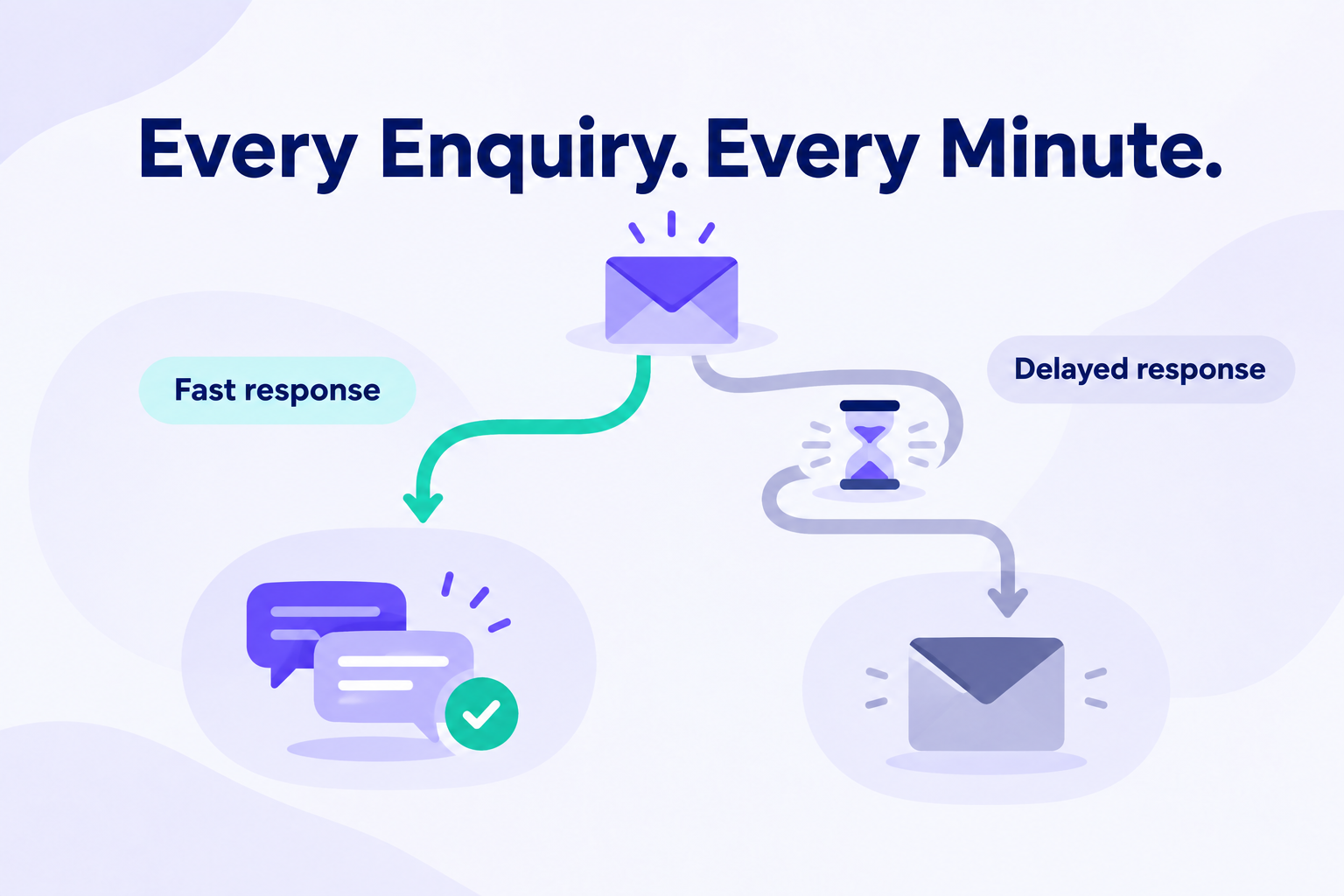
Someone fills out your enquiry form and asks about your service. What happens next?
If the enquiry waits in an inbox, the prospect has no way to know whether anyone is handling it. If a team member responds promptly, answers the question and suggests a useful next step, the conversation can begin.
The time between that enquiry and your first response is called speed-to-lead.
For small businesses, improving it starts with a simple workflow: capture the enquiry, assign someone to handle it, notify them and make responding easy.
What Is Speed-to-Lead?
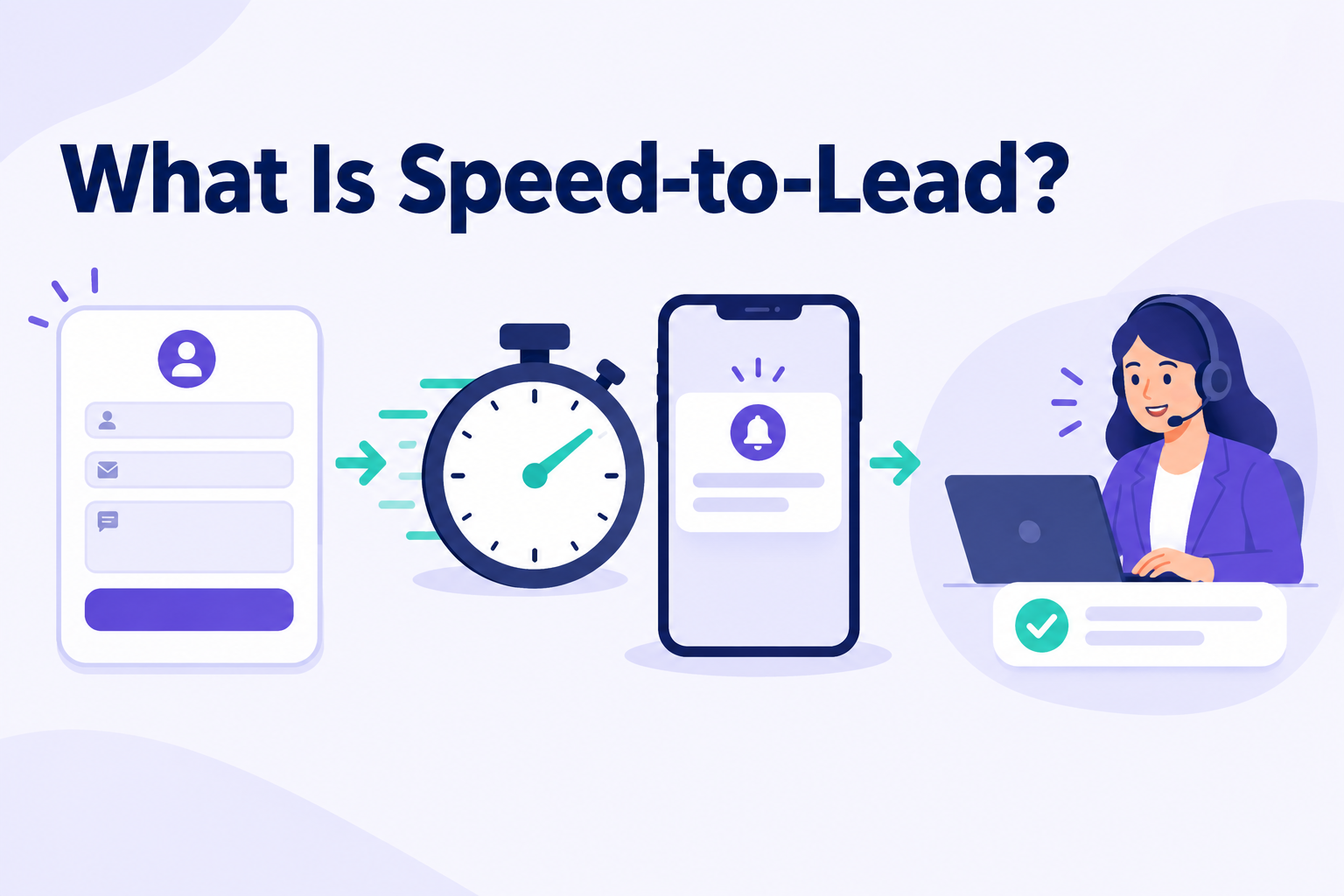
Speed-to-lead is the time between a prospect making an enquiry and your business making its first contact attempt. It is also called lead response time.
For example, if someone requests a quotation at 10:00 a.m. and your team calls at 10:08 a.m., your speed-to-lead is eight minutes.
That first attempt might be a phone call, a personal email or a relevant message through an appropriate channel.
When measuring speed-to-lead, distinguish between three events:
- Automatic acknowledgement: A message confirming that the enquiry was received.
- First personal contact attempt: A team member calls or sends a relevant reply.
- First two-way conversation: The prospect answers or responds.
These events tell you different things. An unanswered call counts as an attempt, but it does not mean you have spoken with the prospect. An automatic “Thank you” message confirms receipt, but it may leave their question unanswered.
For this guide, speed-to-lead means the time to the first personal contact attempt.
Why Does Speed-to-Lead Matter?
It Helps You Respond While the Enquiry Is Fresh
A person who has just requested information has recently been thinking about their requirement.
Responding promptly gives you an opportunity to discuss that requirement while the details are fresh. A delayed response may arrive after their priorities have changed or they have already spoken with another provider.
A fast response should still respect the prospect’s preference. If they ask for a call tomorrow afternoon, confirming that arrangement is more appropriate than calling repeatedly today.
It Gives Prospects Clarity
Submitting a form creates uncertainty: did it arrive, who will respond, and when?
A useful first reply answers those questions. Even if you cannot provide a quotation immediately, you can explain what information you need and when the prospect can expect the next step.
For example:
Hi Priya, thanks for asking about a rooftop solar installation. I’ve seen your enquiry for your three-bedroom home. Could you share your average monthly electricity bill so we can discuss suitable options?
That response gives the conversation a clear direction.
It Makes Gaps in Lead Handling Visible
Slow responses can reveal problems beyond an individual salesperson’s workload.
Perhaps enquiries are checked only twice a day. Perhaps nobody knows who owns a new lead. Perhaps the assigned person is on leave.
Measuring response time helps you locate those delays and improve the process.
It Helps You Review What Happens After Lead Generation
Generating enquiries is only the beginning of the sales process.
Before deciding that a campaign produces poor leads, check whether those leads received timely, relevant contact. Lead quality, response handling, pricing and product fit are separate factors worth reviewing.
Speed-to-lead helps you examine the response-handling part.
How Do You Measure Speed-to-Lead?
Subtract the original enquiry time from the time of the first personal contact attempt.
Example: An enquiry arrives at 2:15 p.m. A salesperson sends a personal reply at 2:27 p.m. The response time is 12 minutes.
Where possible, use the timestamp from the original form submission. Measuring only from the moment a lead enters your CRM can hide delays caused by manual imports or a slow transfer process.
For a team review, track:
Do not leave untouched leads out of the review. An average based only on contacted leads can look healthy while other enquiries remain unanswered.
Account for Enquiries Outside Business Hours
Suppose someone enquires at 11:00 p.m. and your team responds at 9:10 a.m., shortly after opening.
The prospect waited 10 hours and 10 minutes. If your business opens at 9:00 a.m., the team took 10 minutes within staffed hours.
Both measurements are useful. Keep the full elapsed time visible, and use the business-hours view to assess the team fairly.
What Is a Good Speed-to-Lead Target?
There is no single target that suits every business, lead source and customer preference.
A same-day service request may need more urgent handling than a request to discuss a project next month. Your staffing and advertised opening hours also matter.
As an illustrative starting target, a small team could aim to make a personal contact attempt within 15 minutes for new quote or consultation requests during staffed hours. This is a suggested operating target, not a universal benchmark or a promise of better conversion.
Review whether your team can meet it consistently without rushing conversations or interrupting existing customers.
For out-of-hours enquiries, set a clear expectation about when a person will respond. If you use an automatic acknowledgement, measure it separately from the personal response.
How to Improve Speed-to-Lead
1. Bring New Enquiries Into a Shared System
Checking several inboxes and downloading lead lists manually creates opportunities for delay.
Use a shared lead system, with connected sources where supported, so the team has a consistent place to find new enquiries.
Test each capture route separately. A connected advertising form does not necessarily capture direct messages, website enquiries or every other interaction on that platform.
2. Give Each Lead a Clear Owner
Every new enquiry should have a named person responsible for the first response.
Decide how ownership works before leads arrive. You might assign by service, location, team or workload.
Also agree on cover for absences and busy periods. An assigned lead can still wait if its owner is unavailable.
3. Make Alerts Useful
An alert should help the owner take action quickly.
The salesperson needs access to the contact details, source and enquiry answers. Alerts become less useful when they go to everyone and leave responsibility unclear.
Test notifications on the devices your team actually uses.
4. Read the Enquiry Before Responding
Speed should not come at the expense of relevance.
If someone has already provided a preferred course, location or budget, use that information. Asking the same questions again creates unnecessary work for the prospect.
A first reply can be short:
Hi Arjun, thanks for asking about our weekend photography course. You mentioned you’re a beginner. Would you prefer the course details by message, or a short call this afternoon?
5. Use Templates as a Starting Point
Templates reduce repetitive typing, especially for common enquiries.
Personalise the opening, check the details and provide a useful next step. Avoid sending a long sales pitch before understanding the person’s request.
Use an appropriate channel and respect contact preferences and requests to stop.
6. Record What Happens Next
A quick first attempt does not complete the job.
If the call goes unanswered, record the attempt and decide when to try again. If the prospect asks for information, send it and agree on a follow-up time.
Each active lead should have a current status and a dated next action.
7. Review Delays Regularly
Start with enquiries that have no recorded contact attempt. Then review those that missed your target.
Ask where the delay occurred:
- Did the enquiry reach the shared system promptly?
- Was an owner assigned?
- Did the owner receive the alert?
- Was the owner available?
- Was the contact attempt recorded?
Use the findings to improve coverage, routing or capture.
How Ridhzo Can Support Faster Lead Responses
Ridhzo’s documented workflow brings together lead capture, assignment, alerts and mobile communication. It supports Facebook and Instagram Lead Ads, Google Lead Form Ads, hosted forms and website capture through webhooks or APIs. These routes need to be connected and configured for your business.
Assign Enquiries to the Right Person
Ridhzo supports round-robin, team-based, capacity-based, per-source and automation-based assignment. These options help teams establish ownership without manually forwarding every enquiry.
Alert the Owner and Open the Lead Record
Mobile push notifications can take the salesperson directly to the lead profile. Ridhzo also supports in-app notifications and configurable new-lead alerts through email or WhatsApp; WhatsApp alerts require the Business API and an approved template.
Respond From the Phone
The mobile lead profile includes lead details, form answers and an activity timeline. One-tap actions let the salesperson open WhatsApp, make a call or send an email from the lead record.
Keep the Follow-Up Moving
Ridhzo supports automations that assign leads and schedule follow-ups, helping teams connect the first response with the next action.
These features support the workflow. Your team still needs suitable coverage, relevant replies and a consistent way to record contact attempts.
Example: Responding to an Education Enquiry
Consider an education institute receiving enquiries about weekend courses.
In a manual process, a counsellor downloads the lead list later in the day, forwards details to a colleague and waits for someone to make contact.
An illustrative Ridhzo workflow could use connected Facebook Lead Ads, team-based assignment, mobile notifications, lead form answers and one-tap communication.
The team’s process would be:
- Receive the course enquiry in the shared lead system.
- Assign a counsellor.
- Review the preferred course and learning format.
- Make a relevant contact attempt.
- Record the outcome and agree on a counselling call or information request.
- Check waiting enquiries and follow-up actions each working day.
For reporting, compare enquiry timestamps with recorded first attempts wherever those records are available. Review missed targets alongside whether meaningful conversations took place.
The intended outcome is clearer ownership and less waiting between steps. This example does not represent a measured customer result.
Common Speed-to-Lead Mistakes
Counting an automatic acknowledgement as a personal response. Track both separately so the numbers reflect the customer’s experience.
Measuring from import time. A lead uploaded in the afternoon may have been waiting since morning.
Assigning leads without checking coverage. Ownership is useful only when someone can act.
Rushing into a generic pitch. Read the enquiry and respond to the person’s actual request.
Ignoring unanswered enquiries in reports. Include leads with no contact attempt, even though they do not yet have a completed response time.
Stopping after the first attempt. An unanswered call still needs an appropriate next step.
Frequently Asked Questions
What does speed-to-lead mean in sales?
Speed-to-lead measures how long your business takes to make its first contact attempt after receiving an enquiry.
Is speed-to-lead the same as response time?
The terms are often used interchangeably. Define the event you measure: an automatic acknowledgement, a personal contact attempt or a two-way conversation.
Does an automated message count?
It can count as an acknowledgement. Track it separately from a personal response so you can see how long prospects wait for someone to address their enquiry.
Should you always call immediately?
Follow the prospect’s stated preference. A prompt message confirming a requested call time may be more appropriate than an unexpected call.
Does faster response guarantee more sales?
No. Sales also depend on the prospect’s needs, offer, price, timing and quality of the conversation. Response speed is one part of effective lead management.
How can a small team improve without hiring more people?
Start by reducing avoidable delays: centralise enquiries, assign owners, test alerts, prepare useful templates and arrange cover during breaks or absences.
Start With One Lead Journey
Choose one enquiry source and submit a test lead. Measure how long it takes to appear, reach an owner and receive a personal response.
Fix the longest delay first.
If your team needs a shared mobile workflow, explore how Ridhzo’s lead capture, assignment and notification features fit your enquiry process.