
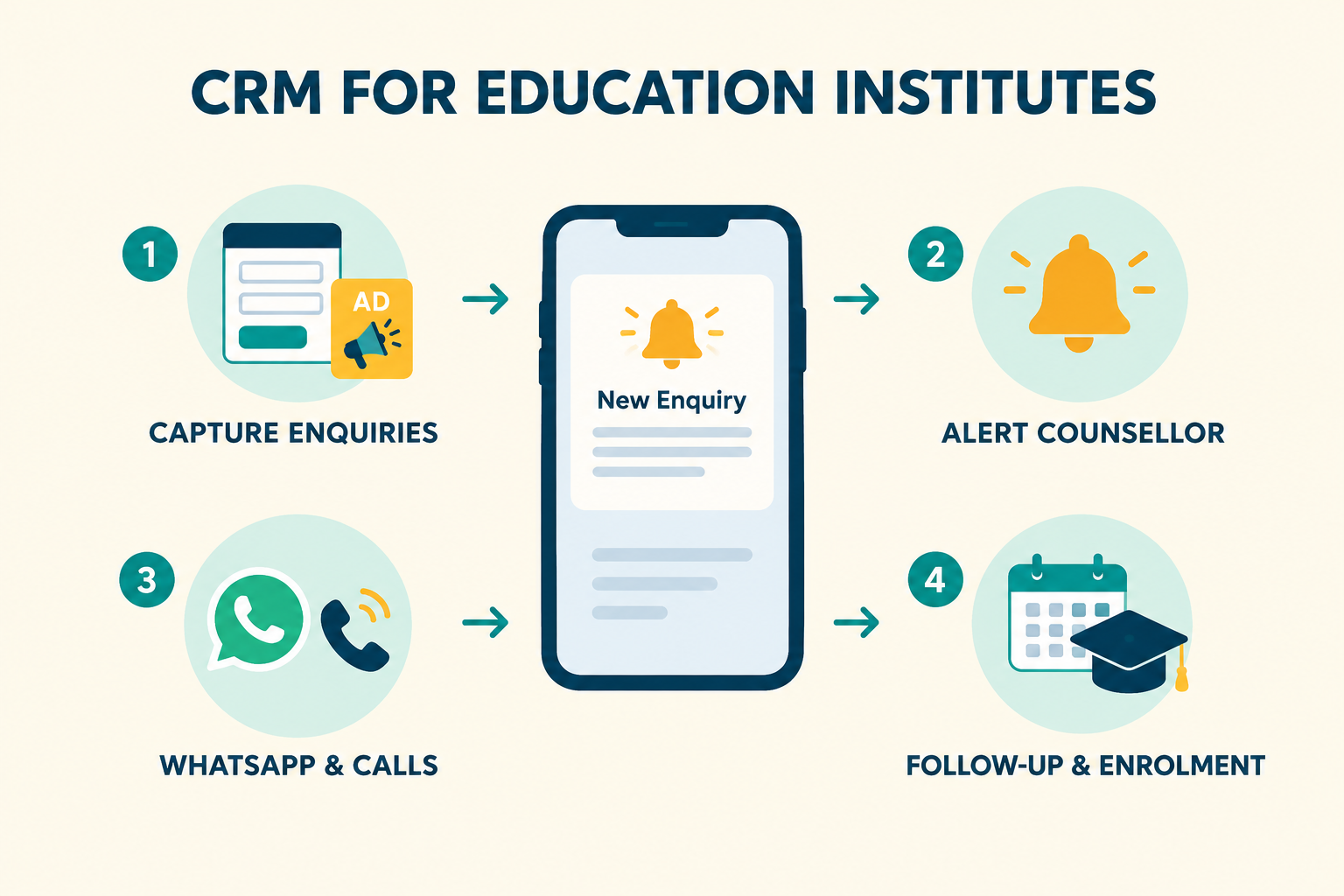
Admissions work is a sales process that most education teams run without a sales system. A Google ad for “MBA admission” generates an enquiry, and it lands where? An email inbox shared by five people, an Excel sheet updated whenever someone remembers, or a counsellor’s personal WhatsApp — where the next person who picks up the phone has no idea what was already discussed.
This guide explains what a CRM actually needs to do for an education institute, how to evaluate options, and a practical setup that fits how admissions teams really work.
What Lead Management Looks Like in Education
A prospective student — or more often, a parent — moves through a recognisable journey:
- Enquiry: They submit a Google lead form, an Instagram ad form, your website form, or leave their number at an education fair.
- First contact: A counsellor calls or messages them, ideally within minutes, while interest is high.
- Qualification: Course interest, qualification, city, intake month, budget — captured on the lead record, not in someone’s head.
- Counselling: A call or a campus visit, where the real conversation happens.
- Follow-up: Fee details, scholarship options, deadlines — often multiple touches over days or weeks.
- Enrolment or drop-off: A booking, or silence that needs one last polite attempt.
A CRM for education needs to carry each of those steps reliably. Most tools designed for generic businesses miss the parts that matter most here: parents who book visits, counsellors who work in different languages, intake cycles with hard deadlines, and reporting that shows which campaigns produce enrolments, not just enquiries.
What to Look For in an Education CRM
1. Instant capture from every source
Your enquiries arrive from at least five places: Google Search lead form ads, Facebook and Instagram Lead Ads, your website’s enquiry form, walk-ins at campus, and CSV lists from education fairs. Each one should flow into one shared system automatically — within seconds, not the next morning via CSV download.
If a tool requires someone to manually download and upload leads, you’ve moved the spreadsheet, not replaced it.
2. Automatic counsellor assignment
Every new enquiry needs an owner the moment it arrives. Look for:
- Round-robin for fair, even distribution across similar counsellors.
- Team-based rotation — critical for institutes where counsellors work in different languages (Hindi, Telugu, English) or handle different courses or cities.
- Capacity-based assignment so your best counsellor isn’t drowning while a new hire waits.
An enquiry with no owner is an enquiry that goes cold.
3. A mobile app your counsellors actually use
Counsellors are rarely at a desk all day — they’re on calls, walking campuses, meeting parents. The CRM has to work on the phone they already carry: new-lead alerts, one-tap call or WhatsApp, and follow-up reminders that appear as notifications.
4. Automatic call logging
Counsellors make dozens of calls a day. If logging them depends on memory and discipline, your records decay within a week. Android call sync — where calls and talk time are recorded automatically against the right lead, and an answered call closes the pending callback — removes that dependency entirely.
5. WhatsApp-first communication
Parents and students expect WhatsApp, not cold calls from unknown numbers. The CRM should let a counsellor open a WhatsApp chat with a pre-filled, personalised message in one tap, and — if you use the WhatsApp Business API — send brochures and fee details from inside the system, with replies landing on the lead’s timeline.
6. Custom fields that match admissions
Course, qualification, city, intake month/year, parent’s phone number — these are the fields every education team needs. A CRM with configurable custom fields saves you from the “extra columns” problem that pushed you away from Excel in the first place.
7. Meetings and campus visits
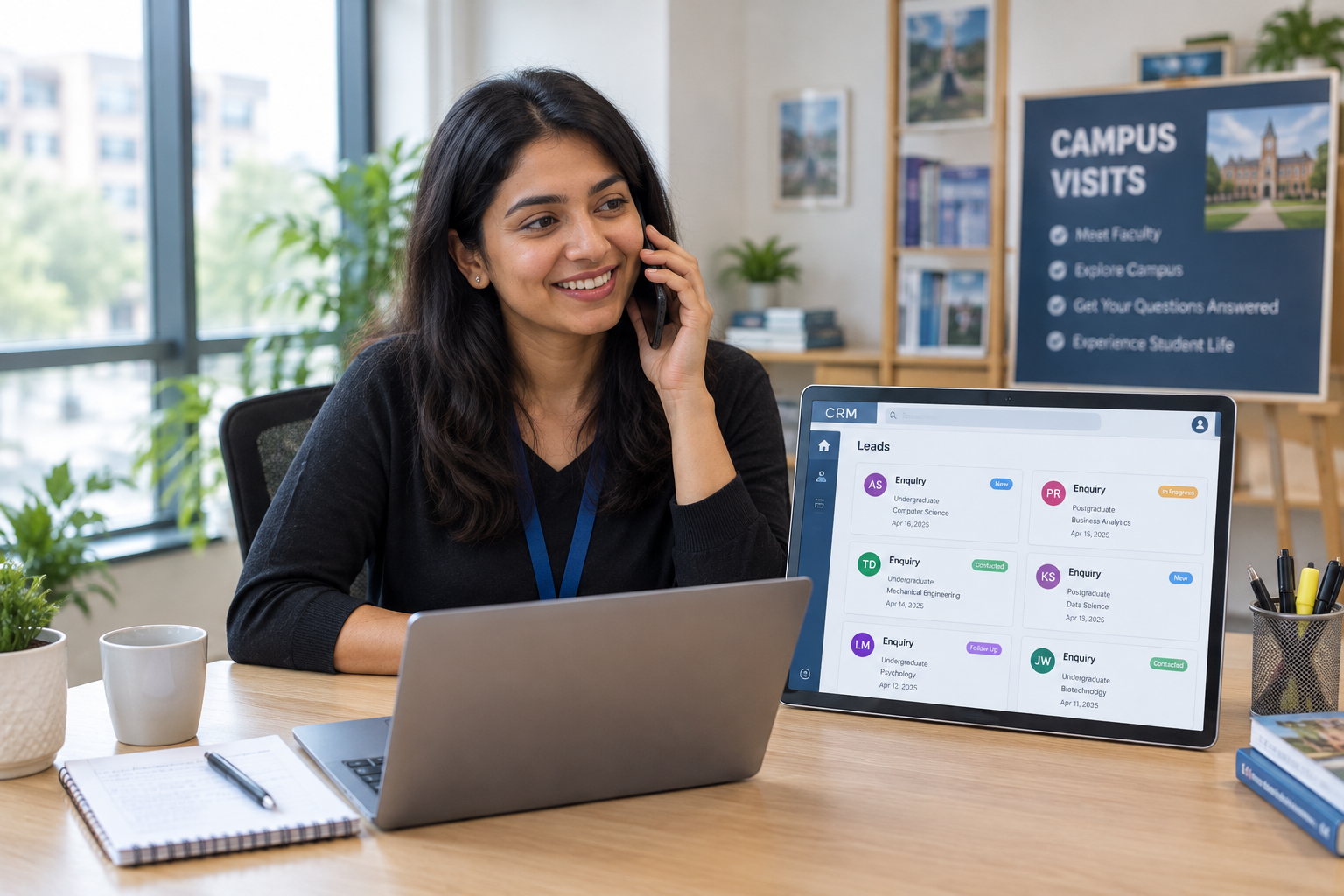
Campus visits are the highest-converting moment in education admissions. The CRM should schedule visits, send the parent a confirmation with the location and map link, remind both sides before the visit, and record the outcome — visited, no-show, cancelled — with a next follow-up attached.
A public booking link, where parents book a counselling or campus-visit slot themselves within your working hours, removes the back-and-forth entirely.
8. Multi-step follow-up sequences
Admissions seasons have hard deadlines. A sequence that sends course details, then scholarship information, then a fee-deadline reminder, then a final check-in — automatically, with personalisation tokens, and stopping the moment the lead replies — keeps every enquiry warm without a single counsellor remembering anything.
9. Reporting that answers real questions
- Which source — Google vs. Meta vs. fairs — brings enrolments, not just enquiries?
- What’s your first-response time, and is it fast enough?
- Which counsellors answer calls, and which calls go unreturned?
- How many leads are overdue for follow-up right now?
A Sample Setup for an Education Institute
Using Ridhzo — a mobile-first lead CRM with a documented education playbook — as the example:
- Connect your sources in Settings → Lead Sources: Google Lead Form Ads (via webhook URL in your Google Ads lead form extension), Facebook/Instagram Lead Ads with one-click Facebook login, and a hosted web form for your website or a QR code on campus hoardings. Import fair contacts via CSV.
- Add custom fields: Course, Qualification, City, Intake (month/year), Parent phone.
- Set up assignment: Team-based round-robin across counsellor teams — for example, by language, so a Telugu-speaking parent reaches a Telugu-speaking counsellor.
- Enable mobile push alerts so each new enquiry pings the assigned counsellor’s phone instantly, with a tap straight into the lead’s profile.
- Turn on Android call sync — every counsellor call is logged with duration; answered calls auto-complete their pending callbacks.
- Set up a meeting type for “campus visit / office visit” with your saved campus location and Google Maps link, so confirmations and reminders go out automatically. Share your public booking page in your Instagram bio so parents book counselling slots themselves.
- Build an admission-season sequence: Day 0 — course details and brochure, Day 2 — scholarship information, Day 5 — fee deadline reminder, Day 9 — counsellor call invite. Auto-stop when the lead replies or enrols.
- Review weekly: new leads without an owner, enquiries awaiting first response, overdue follow-ups, and source ROI — which campaigns bring enrolments, not just form fills.
An automation can tie it together, for example: WHEN a new Google lead arrives → IF the form is “MBA Admission” → THEN assign to the postgraduate counselling team and schedule a follow-up for the next working morning.
Common Mistakes Education Teams Make
- Treating an auto-acknowledgement as a response. A template confirming receipt doesn’t answer “what’s the fee structure?” A counsellor still makes first personal contact.
- Keeping enquiry data in personal WhatsApp chats. When a counsellor leaves, the conversations leave with them.
- Importing old fair lists as “new” leads. Backfilled leads shouldn’t be mixed into current response-time metrics — measure from when the enquiry actually arrived.
- Following up until the intake passes, then stopping abruptly. A polite final check-in before the deadline, and a win-back sequence later for leads that went silent, costs nothing and recovers enrolments.
- Counting enquiries instead of enrolments. If your reporting can’t tie each lead back to its campaign and source, you’ll keep spending on ads that generate form fills, not admissions.
FAQs
Do we need a CRM if we only get a few enquiries a week? If enquiries arrive through more than one channel, or more than one person handles them, a shared system pays for itself immediately — even at low volume. A free tier (Ridhzo’s Free plan includes one source, one sequence, and full mobile/call-sync features) is enough to start.
Can parents book campus visits themselves? Yes — a public booking page lets leads book 30-minute slots within your business hours, up to 14 days ahead, creating the lead and the meeting automatically.
What about counsellors who speak different languages? Team-based round-robin assignment lets you route leads to counsellor teams by language or region, and AI-assisted drafts can adapt replies to the lead’s language — with a human reviewing before send.
How is this different from an ERP or student management system? ERPs manage enrolled students — attendance, fees, academics. A lead CRM manages the pipeline before enrolment: capture, contact, qualification, counselling and conversion. Most institutes need both; they solve different problems.
Getting Started
Start with one source and one intake cycle: connect your highest-volume lead form, set up assignment across your counselling team, and test the full journey — submit an enquiry, confirm the right counsellor is alerted, watch the call log and the follow-up appear. Then connect the rest.