
Someone fills out your website form asking for a quote. Another person calls about your services. A third sends an enquiry after seeing your advertisement.
These are potential sales opportunities. Receiving them is only the beginning.
Your team still needs to respond, understand what each person wants and agree on the next step. When those details stay scattered across spreadsheets, inboxes and personal phones, enquiries become easy to overlook.
Lead management gives your business a repeatable way to handle those opportunities—from the first enquiry to the final decision.
This guide explains what lead management means, how the process works and how to build a system your team can follow every day.
What Is Lead Management?
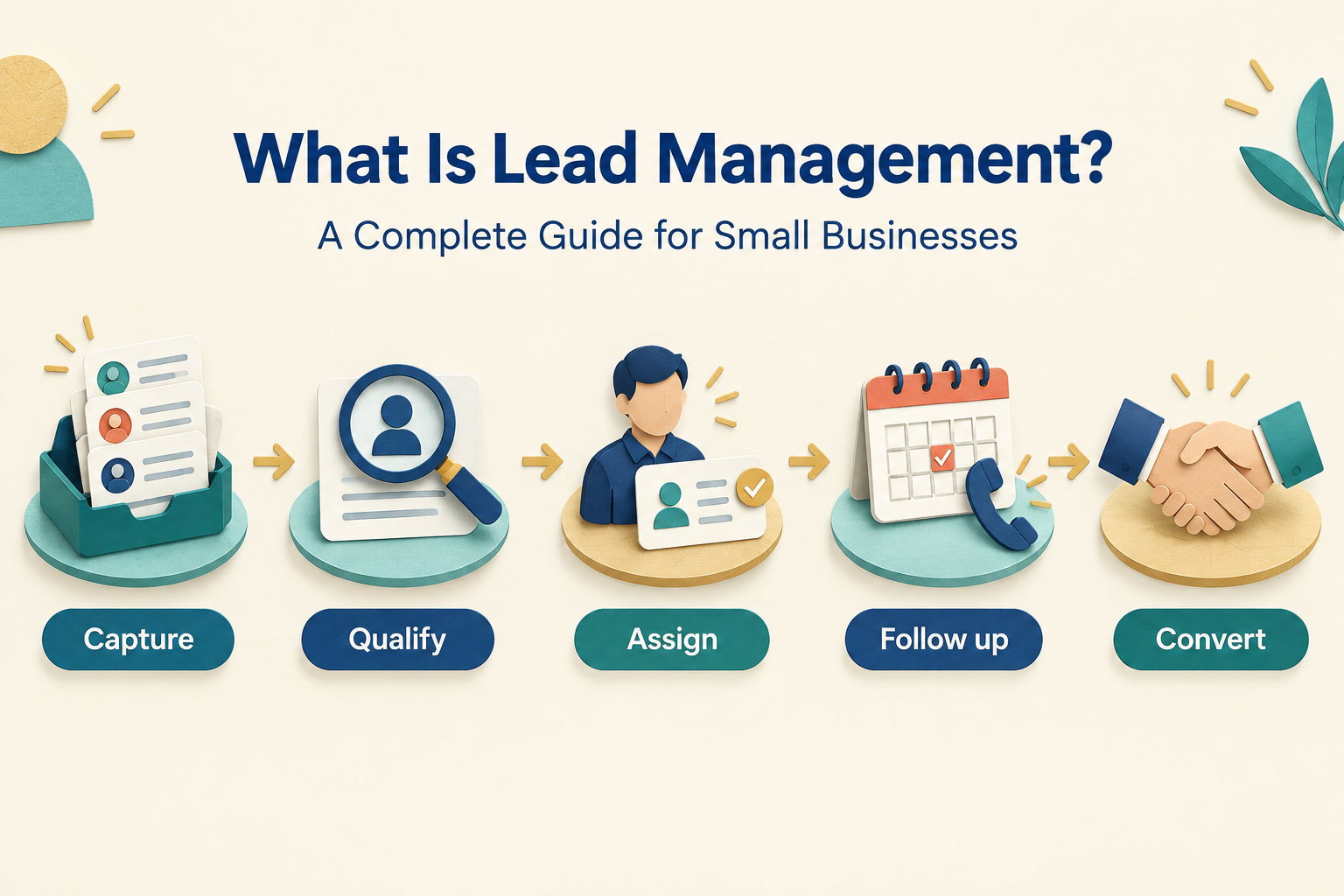
Lead management is the process of capturing, organising, qualifying, assigning, tracking and following up with potential customers.
A lead is a person or business that has shown interest in what you offer. They might request a brochure, ask about pricing, book a consultation or submit an enquiry form.
Managing that lead means keeping track of practical questions:
- Who is this person, and what do they need?
- Where did the enquiry come from?
- Who is responsible for responding?
- What has already been discussed?
- What needs to happen next, and when?
- Did the enquiry become a customer?
For example, an interior design enquiry might move from an initial phone call to a consultation, a proposal and then a decision. Lead management keeps the details and next actions connected throughout that journey.
Check out Lead Management vs CRM Difference
Why Is Lead Management Important for Small Businesses?
In a small business, the person handling enquiries may also be preparing quotes, meeting customers and delivering work. A process helps keep sales tasks visible when the day gets busy.
It helps prevent missed enquiries
An enquiry sitting in an unchecked inbox has no clear path forward. Recording it in a shared place makes it easier to assign responsibility and confirm that someone has responded.
It makes follow-ups more reliable
“Call them next week” is easy to forget. A follow-up with an owner, a date and a purpose is easier to act on.
It gives conversations continuity
Customers should not have to explain their requirements again whenever another team member answers. Shared notes help the next person continue the conversation with context.
It shows where sales opportunities get stuck
If many leads receive proposals but few reach a decision, you have a specific part of the process to investigate. Perhaps the scope is unclear, the timing is wrong or nobody follows up after sending the quote.
Lead management cannot guarantee sales. It helps your team identify and address avoidable gaps.
Lead Generation, Lead Management and CRM: What Is the Difference?
These terms describe different parts of the same business process.
Lead generation attracts potential customers and encourages them to enquire. Advertising, referrals and website content can all generate leads. Lead management handles those enquiries once they arrive. It covers qualification, ownership, communication, follow-ups and outcomes. CRM, or customer relationship management, is broader. It covers how a business manages relationships with prospects and customers. CRM software often provides the tools used for lead management.
For example, a Facebook advertisement generates an enquiry. Your sales process determines who responds and what happens next. Your CRM stores the record and helps the team carry out that process.
Buying software alone does not create a reliable workflow. Your team still needs to agree on responsibilities, stages and follow-up expectations.
The Lead Management Process: Seven Practical Steps
1. Capture enquiries in one place
Start by identifying where your leads come from. Common sources include:
- Website forms.
- Advertising lead forms.
- Phone calls.
- WhatsApp messages.
- Referrals.
- Walk-ins and events.
Create a record for each relevant enquiry. Where a supported integration exists, automatic capture can reduce manual entry. Calls, referrals and walk-ins may still need a quick manual record.
Collect enough information to respond without making the initial form unnecessarily long. A name, contact detail, source and brief requirement may be enough to begin.
Avoid assuming that every interaction is a lead. A social media like, for example, does not necessarily indicate an enquiry or permission to contact someone.
2. Assign a clear owner
Every active lead should have one person responsible for moving it forward.
That owner should know they are expected to:
- Make the first contact.
- Record useful conversation notes.
- Keep the lead’s status accurate.
- Schedule the next action.
- Record the final outcome.
In a one-person business, ownership is straightforward. In a team, you might assign leads by location, service, availability or a rotating allocation.
Also decide what happens when the owner is absent. An assigned lead can still be neglected if there is no cover.
3. Respond promptly and acknowledge the actual enquiry
The time between an enquiry and your first response is often called speed-to-lead.
Set a response target that fits your working hours and staffing. During business hours, check new enquiries regularly. Outside those hours, set an honest expectation about when a person will reply.
A useful first response refers to what the prospect asked:
Hi Priya, thanks for asking about a kitchen renovation. Could you share your location and when you hope to start? That will help us suggest the right next step.
An automated acknowledgement can confirm receipt. Your team should still distinguish it from a meaningful conversation with the prospect.
4. Qualify the lead
Qualification helps you understand whether your business can meet the person’s needs and what should happen next.
Ask questions relevant to the purchase:
- What are they looking for?
- Is their location within your service area?
- When do they need it?
- What budget or scope do they have in mind?
- Who else is involved in the decision?
Keep qualification conversational. You do not need to ask every question in the first message.
For example, an education counsellor might first establish the course of interest, eligibility and preferred intake. An interior designer might ask about property type, location, scope and timeline.
Record the answers so the next conversation starts with what you already know.
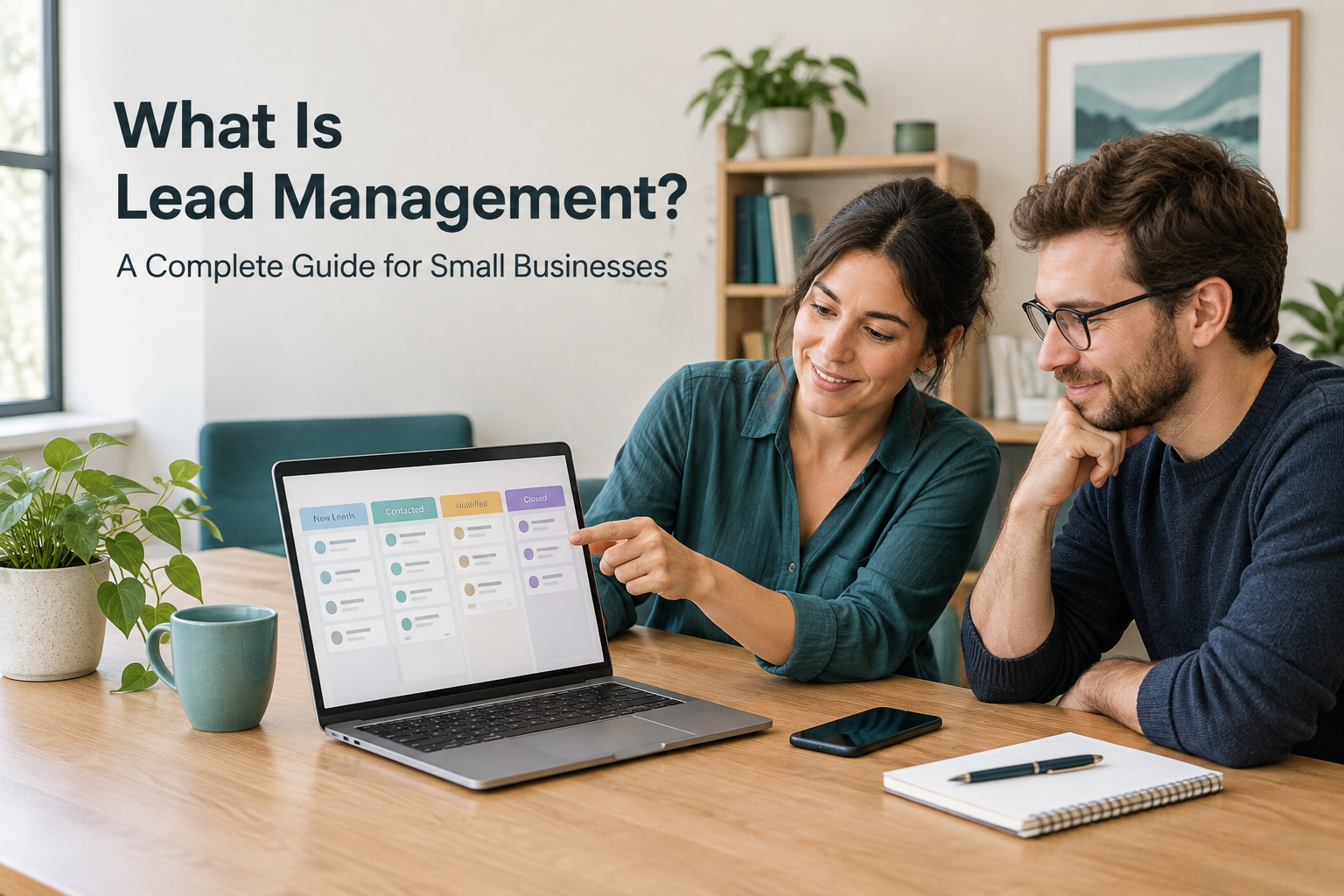
5. Track progress through clear stages
A sales pipeline shows where each opportunity stands.
A simple service-business pipeline could be:
New → Contacted → Qualified → Meeting or Quote → Decision Pending → Won or Lost
Define what each stage means. “Contacted” could mean a two-way conversation has happened; an unanswered call would remain a recorded attempt.
Use stages that match your buying process. A clinic may track appointment enquiries through booking, while a B2B service provider may need separate discovery and proposal stages.
Keep these three pieces of information separate:
- Stage: Where the opportunity stands.
- Activity: What has already happened.
- Next action: What someone needs to do next.
“Proposal sent” tells you about progress. “Call on Thursday to discuss the scope” tells you what to do.
6. Follow up with a purpose
A follow-up should help the prospect take the next step.
Useful reasons to follow up include answering an unresolved question, sharing requested information, confirming a meeting or discussing a proposal.
Compare these messages:
Just following up. Any update?
Hi Priya, you mentioned wanting to understand the installation timeline before deciding. Would a short call tomorrow help us go through it?
Agree on the next contact date whenever possible. Record it immediately, along with the reason for contacting them.
The right frequency depends on urgency, buying cycle and the prospect’s preferences. A planned 7-day lead follow-up sequence can provide structure, but adapt it when the person replies, asks for more time or declines further contact.
7. Record outcomes and review the process
When an opportunity closes, update the record.
For a won lead, note what was agreed and who handles the customer handover.
For a lost lead, record a useful reason where known, such as:
- Budget mismatch.
- Service or location mismatch.
- Timing changed.
- Another provider selected.
- Prospect decided not to proceed.
Do not label every unanswered enquiry as poor quality. It may be unreachable, still undecided or inadequately followed up. Separate those situations where you can.
Review outcomes regularly to understand which sources bring suitable enquiries and where your process needs attention.
What Information Should You Track for Each Lead?
Start with a small set of fields your team will actually maintain.
| Information | Why it matters |
|---|---|
| Name and contact details | Allows the team to identify and contact the prospect |
| Enquiry source | Shows where the opportunity originated |
| Requirement | Gives the salesperson context |
| Assigned owner | Makes responsibility clear |
| Current stage | Shows progress |
| Last contact and outcome | Prevents repeated or disconnected conversations |
| Next action and due date | Keeps the opportunity moving |
| Won or lost outcome | Supports review and reporting |
Add budget, location, service interest or expected decision date when relevant.
Collect only the information your team needs. Limit access appropriately, especially when enquiries involve sensitive personal details.
A Lead Management Example for a Small Business
Consider a small interior design company receiving a website enquiry.
The prospect wants help designing a two-bedroom apartment.
- Capture: Create a lead record with the enquiry source and project details.
- Ownership: Assign a designer or sales coordinator.
- First response: Acknowledge the enquiry and ask about location and timeline.
- Qualification: Record the scope, approximate budget and decision-makers.
- Consultation: Schedule a discussion and note the key requirements.
- Proposal: Send the agreed scope and update the pipeline stage.
- Follow-up: Set a date to answer questions about the proposal.
- Outcome: Record the decision and organise the handover if the project proceeds.
If the prospect says, “We will decide after taking possession next month,” the next action should reflect that timeline.
The practical benefit is visibility: the team knows what happened, who is responsible and when to reconnect.
Can You Manage Leads in Excel or Google Sheets?
Yes. A spreadsheet can work when enquiry volume is low, one person manages the process and follow-ups remain manageable.
It becomes harder to maintain when several people share responsibility or enquiries arrive through multiple channels.
Common problems include manual entry, outdated statuses, missing conversation history and reminders kept outside the lead record.
A useful test is to ask:
Can we quickly identify every active lead’s owner, current status and next action?
If answering that question requires checking several phones and inboxes, a CRM may be worth considering. A comparison of Ridhzo vs Excel for lead management can help you assess the workflow differences.
What Should Small Businesses Look for in Lead Management Software?
Evaluate software using a real enquiry journey rather than a long feature checklist.
Check whether your team can:
- Capture leads from the sources you actually use.
- Assign an owner and notify them.
- Find requirements and conversation history quickly.
- Set dated follow-ups and identify overdue tasks.
- Use stages that match your sales process.
- Update records from a phone.
- Review activity and outcomes.
Ask which capabilities need additional setup, permissions or paid services. An integration being available does not mean every enquiry channel is connected automatically.
How Ridhzo Supports Lead Management
Ridhzo is a mobile-first lead CRM for solo professionals and small-to-medium sales teams.
Its documented capabilities include lead capture from supported sources such as Facebook and Instagram Lead Ads, Google Ads, web forms and website webhooks. It also supports lead assignment, new-lead alerts, custom pipeline statuses, follow-up reminders and dashboards.
For teams working from their phones, Ridhzo provides a native Android app and a browser-installable app for Android and iOS. Automatic device call syncing is documented for the native Android app, including incoming, outgoing and missed calls, timestamps and talk duration.
A practical starting workflow is to connect one lead source, configure ownership, define a short pipeline and make dated follow-ups part of the daily routine.
Introduce automation after that workflow is clear. Ridhzo’s WHEN → IF → THEN workflows can support repeatable sales tasks; decide which steps should happen automatically and which need a salesperson’s judgement.
Which Lead Management Metrics Should You Track?
Start with measures that lead to useful decisions. These are general process metrics; how you calculate them will depend on the records and reporting available.
First-response time
How long does it take to respond after an enquiry arrives?
Measure automated acknowledgements separately from human responses so you can see whether prospects are actually receiving attention.
Contact rate
What proportion of leads result in a two-way conversation?
Low contact rates may indicate incorrect details, unsuitable contact times, channel mismatch or gaps in follow-up.
Overdue follow-ups
How many scheduled actions have passed their due date?
Review these daily and check whether the owner has more work than they can reasonably handle.
Stage conversion
How many leads move from one stage to the next?
A drop between consultation and proposal needs a different investigation from a drop between proposal and sale.
Lead-to-customer conversion
What proportion of leads become customers?
Compare consistent groups and allow enough time for the sales cycle. Leads received yesterday should not be judged against enquiries that have had a month to progress.
Outcomes by source
Which channels bring suitable enquiries and customers?
Lead volume alone cannot tell you whether an advertising source is valuable.
Common Lead Management Mistakes to Avoid
Recording contact details without a next action. A name and phone number do not tell your team what to do. Treating an attempted call as a completed conversation. Record whether the prospect actually answered and what was discussed. Leaving ownership unclear. Shared access still needs individual responsibility. Sending the same follow-up to everyone. Use the prospect’s requirements and previous replies to guide the message. Automating an unclear process. Define the workflow before asking software to repeat it. Keeping closed opportunities in the active pipeline. Accurate outcomes make daily priorities easier to see. Measuring activity without checking progress. More calls do not necessarily mean more useful conversations.
How to Get Started This Week
You do not need an elaborate setup.
- List your enquiry sources. Include forms, calls, messages and referrals.
- Choose one shared place for records. Start with a spreadsheet or CRM that fits your workflow.
- Define a short pipeline. Explain what qualifies a lead to enter each stage.
- Assign an owner to every active lead. Decide who covers absences.
- Set response expectations. Match them to working hours and team capacity.
- Record a dated next action. Make this part of finishing every sales conversation.
- Review outstanding work daily. Check new enquiries, overdue follow-ups and leads without a next step.
Once the process is consistent, use sales automation for small businesses to reduce repetitive work.
Frequently Asked Questions
What is lead management in simple terms?
Lead management means keeping track of potential customers, responding to their enquiries and following up until they make a decision.
What is the difference between lead tracking and lead management?
Lead tracking records a lead’s status and activity. Lead management includes the wider process of capture, qualification, assignment, communication, follow-up and outcome review.
Do small businesses need lead management software?
Some can manage a simple workflow with a spreadsheet. Software becomes useful when multiple enquiry sources, shared ownership and follow-up tasks become difficult to maintain manually.
How often should you follow up with a lead?
Base the timing on the prospect’s preferences, urgency and buying process. Agree on the next contact date when possible, make each message useful and respect requests to stop.
Can lead management be automated?
Parts of it can, depending on the software and configuration. Examples include capturing enquiries, assigning owners, sending alerts and scheduling follow-up actions. Your team should still handle conversations and review exceptions.
Does Ridhzo support mobile lead management?
Yes. Ridhzo has a native Android app and a browser-installable app for Android and iOS. Automatic device call syncing is documented for the native Android app.
Give Every Enquiry a Clear Next Step
Start with the opportunities already in your business. Check that each active lead has an owner, an accurate stage and a dated next action.
If your team needs a shared mobile workflow, explore Ridhzo using one real enquiry journey—from capture to first response, follow-up and final outcome.