
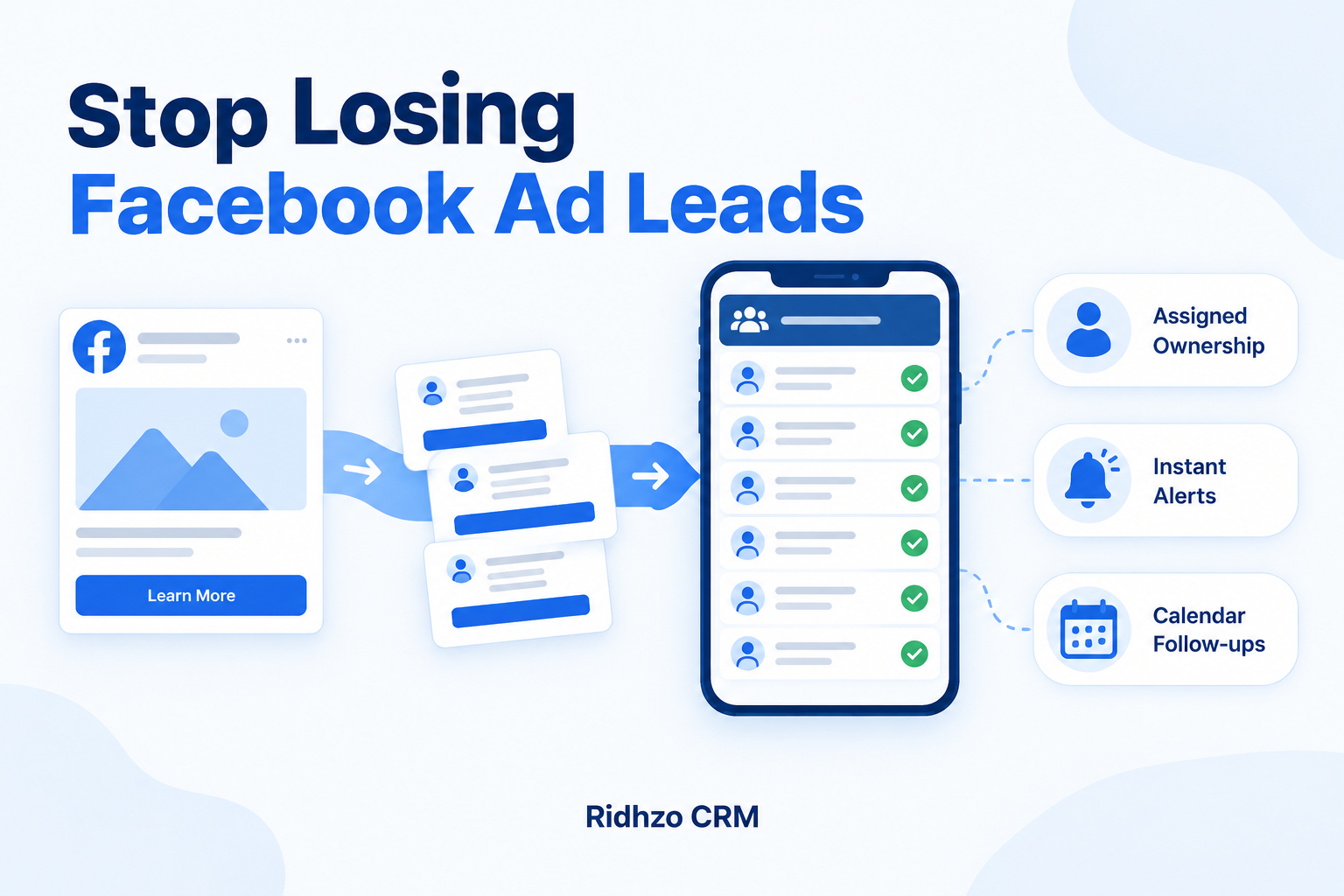
Your Facebook ads are bringing in enquiries. But some people never receive a call, others get contacted twice, and follow-ups disappear into personal chats.
Before spending more on ads, check what happens after someone submits a form.
To stop losing leads from Facebook ads, you need a reliable way to capture each enquiry, assign an owner, respond with context and schedule the next action.
1. Check Where Your Ad Leads Go
Different Facebook ads send people to different places. An Instant Form submission, a website enquiry and a message each need a clear process.
Start with one question: Where does this enquiry appear, and who is responsible for it?
Submit a test enquiry through each route. Check that contact details, form answers and source information reach the place your team uses.
Connecting Facebook Instant Forms does not automatically mean website enquiries or messages are covered.
2. Stop Depending on Manual Downloads
Downloading leads occasionally leaves a gap between the enquiry and your response. It also makes missed records and duplicate work harder to spot.
Connect supported forms to a shared CRM so your team can work from one lead list.
Ridhzo supports direct capture from Facebook and Instagram Lead Ads, form-level selection and saving custom form answers against the lead. It also supports syncing past leads.
After connecting, test each selected form before relying on it.
3. Give Every Lead One Owner
A shared notification does not establish responsibility. Two salespeople may assume the other person is handling the enquiry.
Assign one owner to every new lead. Agree on backup cover for leave, busy periods and enquiries received outside working hours.
Ridhzo supports lead assignment options including round-robin, capacity-based routing and team rules. Mobile notifications help the assigned salesperson notice new enquiries.
4. Make the First Response Relevant
Read the form answers before calling or messaging. If someone has already shared their preferred course, location or service, use that information.
For example:
Hi Priya, thanks for asking about our weekend digital marketing course on Facebook. You mentioned you prefer online classes. Would you like the schedule and fee details?
Set a response target your team can realistically meet during business hours. An automatic acknowledgement can confirm receipt, but someone still needs to answer the enquiry.
Ridhzo provides one-tap actions for opening WhatsApp, making a call or sending an email from the lead record.
5. Record the Next Action After Every Conversation
“Interested” does not tell your team what happens next.
Write a specific action with a due date:
- Call Thursday afternoon to discuss the quotation.
- Send the course schedule today.
- Confirm the site visit tomorrow morning.
If a call goes unanswered, record the attempt and decide when another attempt is appropriate. Respect requests to stop contacting the person.
Ridhzo supports follow-up reminders and automations that can schedule follow-up tasks.
6. Track Progress With Clear Statuses
A simple pipeline helps you distinguish new enquiries from active conversations.
For example:
New → Contacted → Qualified → Meeting or Quote → Decision Pending → Won or Lost
Define each stage clearly. If “Contacted” means a two-way conversation, an unanswered call should not move a lead into that stage.
Review unassigned leads, overdue actions and stalled opportunities regularly. Ridhzo’s pipeline board, dashboards and insights support reviews by source, salesperson and stage.
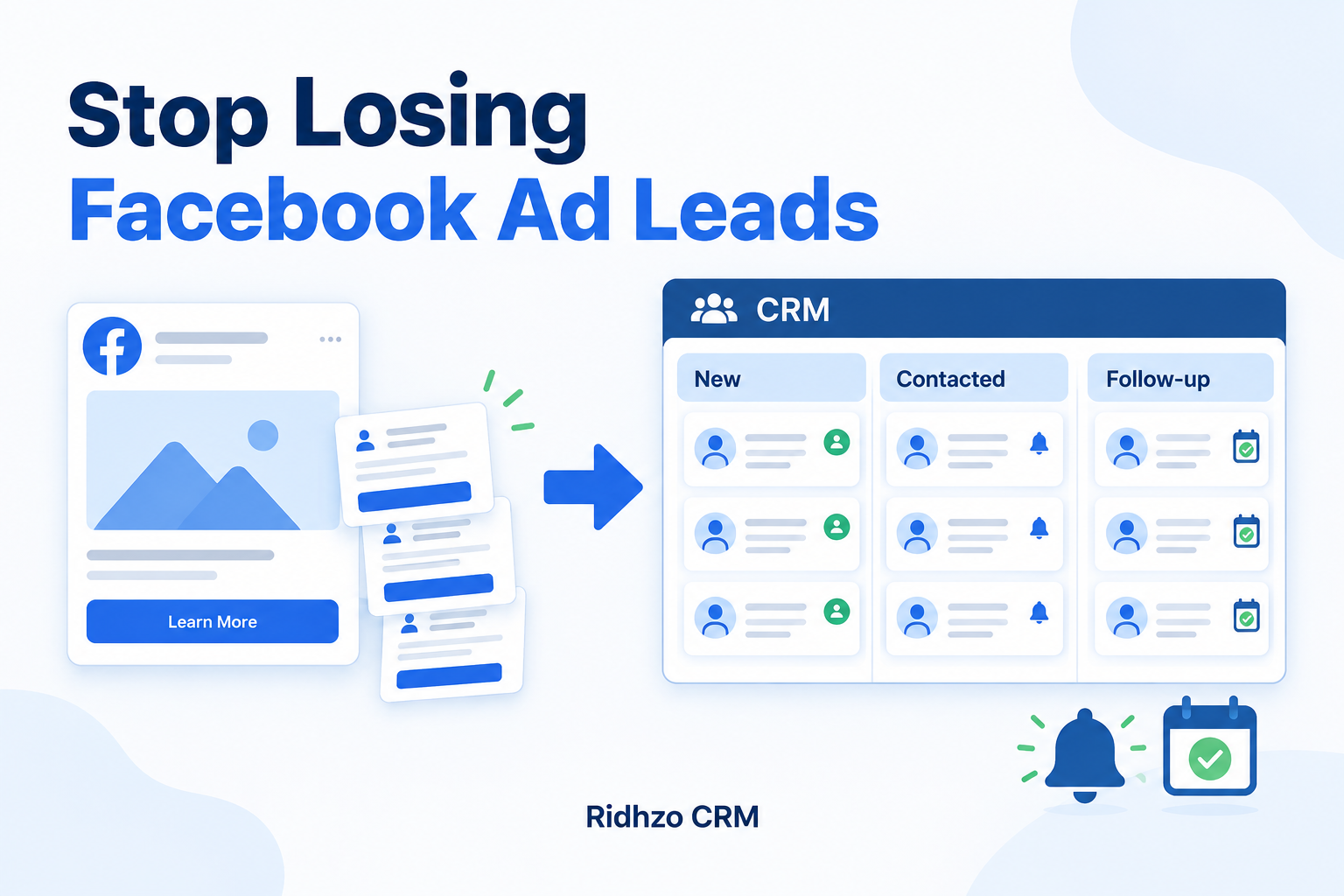
How to Set Up This Workflow in Ridhzo
Start with one form and one repeatable process:
- Go to Settings → Lead Sources and select Facebook / Instagram Lead Ads.
- Connect your Facebook account, choose the relevant Page and select the forms to import.
- Submit a test enquiry and check its contact details and custom answers.
- Configure lead assignment and enable mobile push notifications.
- Set up an automation to assign new enquiries and schedule a follow-up.
- Review waiting leads and overdue actions each working day.
For an education institute, this could mean capturing a course enquiry, assigning a counsellor, reviewing the preferred course and scheduling a counselling call.
The intended outcome is clearer ownership and more consistent follow-up. Sales still depend on the offer, lead quality and conversation.
Frequently Asked Questions
Why am I getting Facebook leads but no sales?
Check both lead quality and your sales process. Enquiries may be unsuitable, contacted too late, left without follow-ups or unclear about your offer. Review actual conversations before changing the ad budget.
Can Facebook ad leads go directly into Ridhzo?
Yes. Ridhzo supports Facebook and Instagram Lead Ads integration for Instant Form submissions. Select the relevant forms and test the connection.
What should I check every day?
Look for new leads without an owner, enquiries awaiting a response, overdue follow-ups and active opportunities without a next action.
Start with one Facebook lead form in Ridhzo. Test the journey from submission to assigned owner and scheduled follow-up before connecting the rest.