
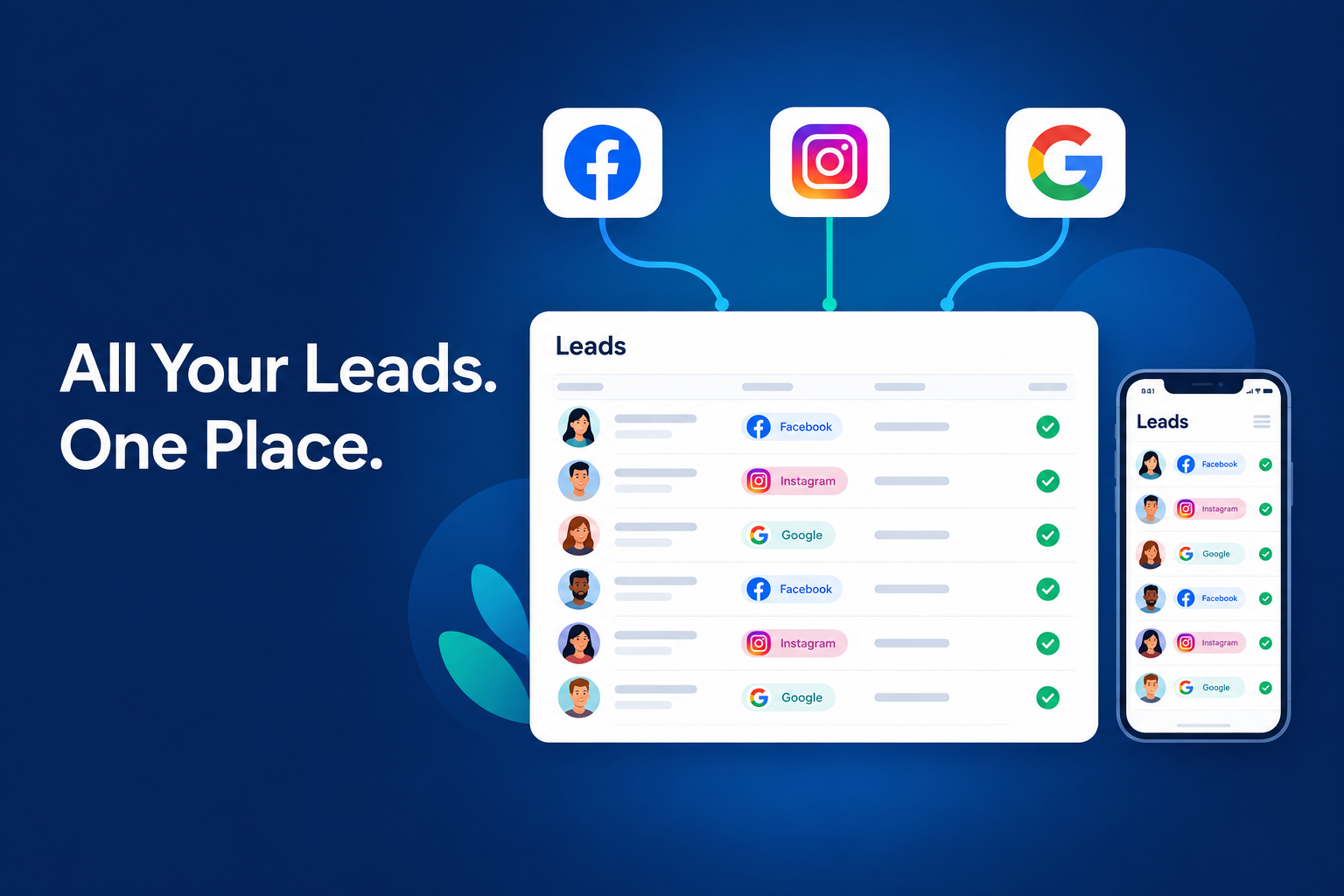
Running ads across Facebook, Instagram and Google gives people more ways to discover your business. It also creates more places for your team to check for enquiries.
A Facebook lead might sit in a downloaded spreadsheet. An Instagram enquiry might be forwarded to a salesperson. A Google lead might arrive through a website form and wait in an email inbox.
When those enquiries follow different processes, it becomes harder to answer simple questions: Who has contacted this person? What did they ask for? When should we follow up?
To manage these leads in one place, connect your lead forms to a shared CRM, assign an owner to each enquiry, and use a consistent process for contact, qualification and follow-up.
This guide explains how to build that workflow and how to set it up using Ridhzo.
Start by Identifying Where Your Leads Actually Come From
Before connecting anything, check how people submit their details.
An ad platform tells you where someone discovered your business. The form or contact method determines how their enquiry reaches your CRM.
This distinction matters. Connecting a Lead Ads integration does not automatically mean every comment, direct message, website enquiry or phone call from that platform will appear in your CRM.
For example, if your Google ad sends visitors to a landing page, you need to connect the landing page’s form. Connecting Google Lead Form Ads addresses enquiries submitted through Google’s native lead forms.

Decide What Every Lead Record Should Include
Your team should receive enough information to understand the enquiry and take the next step.
Start with:
- Name and phone number or email.
- Product or service of interest.
- Lead source and available campaign details.
- Answers submitted through the form.
- Assigned salesperson.
- Current sales stage.
- Next action and due date.
Keep the source separate from the sales stage.
“Facebook” tells you where the enquiry came from. “Consultation Scheduled” tells you how far the conversation has progressed. You need both to understand performance.
Avoid making initial forms unnecessarily long. Collect the information needed to respond, then ask more detailed questions during qualification.
How to Connect Facebook, Instagram and Google Leads in Ridhzo
Ridhzo is a mobile-first lead CRM with documented support for Facebook and Instagram Lead Ads, Google Lead Form Ads, hosted forms, website webhooks and CSV imports.
You can use these capture options to bring supported enquiry routes into one shared sales process.
1. Connect Facebook and Instagram Lead Ads
In Ridhzo:
- Open Settings → Lead Sources.
- Select Facebook / Instagram Lead Ads.
- Click Connect and log in through Facebook.
- Choose the relevant Facebook Page or Pages.
- Select which lead forms you want to import.
The integration captures submissions from Facebook and Instagram Instant Forms. It maps contact information and saves custom form answers with the lead.
If you already have enquiries collected before the connection, Ridhzo also provides Sync Past Leads.
After connecting, submit a test enquiry through the relevant form. Check that the contact details and custom answers reach the lead record correctly.
2. Connect Google Lead Form Ads
For leads collected through Google’s native lead forms:
- Open Settings → Lead Sources in Ridhzo.
- Select Google Lead Form Ads.
- Copy the webhook URL and key supplied by Ridhzo.
- Add them to your Google Ads lead form’s webhook configuration.
- Send a test submission and check the resulting record.
This connection brings Google lead form submissions into Ridhzo and preserves documented campaign and ad-group attribution.
Capturing these leads is separate from uploading sales conversions back to Google Ads. The project documentation identifies Google conversion uploads as not yet built.
3. Connect Landing Page and Website Forms Separately
If your Facebook, Instagram or Google ads send people to your website, connect the form they complete there.
Ridhzo offers two relevant approaches:
Use a Ridhzo hosted form. Build a form with the visual field editor, then share its public link or embed it on your website. Hosted forms capture UTM parameters for attribution.
Connect an existing form through a website webhook. Your website form or supported intermediary sends the submission to Ridhzo’s webhook. Technical setup may be needed depending on your form provider.
A hosted form can also give an Instagram bio link or a QR code a clear enquiry destination.
4. Bring Existing Leads Into the Same Process
You may already have leads in downloaded files or spreadsheets.
Ridhzo supports CSV imports with field mapping. Before importing, standardise source names, review contact details and check whether the same enquiries have already been captured through a connected source.
Use one consistent label for each source. Otherwise, entries such as “Google,” “Google Ads” and “Google Campaign” can make later reviews harder to interpret.
Give Every New Lead an Owner
Centralising leads solves the visibility problem. Your team still needs clear responsibility.
Every active enquiry should have one person accountable for responding and moving the conversation forward.
Ridhzo supports assignment options including round-robin, capacity-based routing and team rules. Choose an approach that matches your business.
For example:
- A small sales team may distribute enquiries using round-robin.
- A business with different services may route leads to the relevant team.
- A solo owner may handle all enquiries personally.
Enable mobile push notifications so assigned team members can see new leads. Decide who covers enquiries when someone is unavailable.
An alert is useful only when someone knows they are responsible for acting on it.
Use One Pipeline Across Your Ad Sources
Leads from different platforms can usually follow the same core sales process.
A simple starting pipeline is:
New → Contacted → Qualified → Meeting or Quote → Decision Pending → Won or Lost
Adjust those stages to your business. An education institute may need “Counselling Scheduled,” while an interior design business may use “Consultation Completed” and “Proposal Sent.”
Ridhzo supports custom statuses and a pipeline board, so you can represent the steps your team actually follows.
Define each stage clearly. For example, “Contacted” should mean a two-way conversation happened. An unanswered call can be recorded as an attempt without moving the lead into that stage.
Avoid creating separate pipelines simply because leads came from different platforms. Keep source information on the record and separate pipelines only when the sales processes genuinely differ.
Respond With the Enquiry Details in Front of You
Before calling or messaging, review what the person submitted.
If they selected a course, service or budget range, use that information to make the first conversation relevant.
For example:
Hi Priya, thank you for enquiring about our interior design service. You mentioned a two-bedroom apartment. When would be a convenient time to discuss your requirements?
Ridhzo provides one-tap actions for opening WhatsApp, making a phone call or sending an email from the lead record.
Set a response expectation your team can meet during working hours. Assign someone to review enquiries that arrive overnight or when the main salesperson is unavailable.
Record a Next Action After Every Conversation
A lead record should tell your team what needs to happen next.
“Interested” is not enough. A useful note would be:
Interested in the weekend course. Asked for the syllabus by email. Call Thursday afternoon after they have reviewed it.
Record the next action and schedule the follow-up. Ridhzo supports follow-up reminders to help the team return to those commitments.
If the person is not ready, agree on a suitable contact date where possible. If they decline or ask not to be contacted, update the record and stop further follow-ups accordingly.
The aim is to keep relevant conversations moving without sending messages simply because a lead remains open.
Automate Repetitive Steps Once the Process Is Clear
Start with a workflow your team understands, then automate the administrative parts.
Ridhzo supports WHEN → IF → THEN automations, including actions for assigning leads, changing statuses and scheduling follow-ups.
A practical starting workflow is:
New lead received → Assign an owner → Schedule a follow-up
Test the workflow with a sample enquiry before relying on it. Check the assigned person, the follow-up timing and what happens when a lead arrives outside working hours.
Keep the first automation narrow. It is easier to review one useful workflow than several overlapping actions.
Example: An Education Institute Running Ads on Three Platforms
Consider an education institute receiving course enquiries through Facebook and Instagram Instant Forms and Google Lead Form Ads.
This is an illustrative workflow, rather than a customer case study.
The Problem
Counsellors receive enquiries through exported files and forwarded messages. The manager cannot easily see which students have been contacted or who needs another call.
The Workflow
All supported form submissions enter one CRM. Each lead keeps its course interest and available source details, receives a counsellor, and moves through a shared admissions pipeline.
Ridhzo Setup
The institute connects its Meta forms and Google lead forms in Settings → Lead Sources.
It creates statuses such as:
New → Contacted → Counselling Scheduled → Application Pending → Enrolled or Closed
These are example stages the institute could configure.
Automation
New enquiries are assigned through the selected routing setup. A follow-up automation handles a defined next task.
Follow-Up
The counsellor reviews the form answers, discusses course suitability and records the agreed next action. A student who wants to speak with their family gets a dated follow-up rather than an indefinite “call later” note.
Reporting
The manager reviews the pipeline and available insights by source, salesperson and stage.
Expected Outcome
The intended improvement is clearer ownership, fewer manual handovers and more consistent follow-up. Enrolment results still depend on lead quality, course suitability and the team’s execution.
Review Progress by Source and Sales Stage
Lead volume alone does not show whether a channel is producing useful opportunities.
A source with many enquiries may require more qualification. Another may generate fewer leads that progress further through the pipeline.
Ridhzo’s documented pipeline, dashboards and insights support reviews by source, salesperson and stage, alongside win/loss information.
Use those views to investigate practical questions:
- Which enquiries are still waiting for contact?
- Which sources produce leads that progress to meetings or proposals?
- Where are opportunities getting stuck?
- Which follow-ups need attention?
- Are sales outcomes being recorded consistently?
For cost comparisons, combine CRM outcomes with advertising spend from the relevant platform. Do not assume that connecting a lead source automatically brings ad spend into your CRM.
Common Mistakes to Avoid
Assuming One Connection Captures Every Enquiry
Native lead forms, website forms and direct messages are different routes. Check each route separately.
Importing Old Leads Without Checking Existing Records
A historical sync and a spreadsheet import may contain overlapping enquiries. Review what you are bringing in.
Responding Without Reading the Form Answers
Asking someone to repeat information they already submitted makes the conversation less useful.
Leaving Follow-Ups in Personal Chats
Record important commitments and next actions where the team can find them.
Judging Channels Only by Lead Count
Review how leads progress and what outcomes they reach before deciding where to invest more.
Frequently Asked Questions
Can I manage Facebook, Instagram and Google leads in one CRM?
Yes, when the CRM supports the forms or capture methods you use. Ridhzo supports Facebook and Instagram Lead Ads, Google Lead Form Ads and separate options for website and hosted forms.
Does connecting Instagram Lead Ads also import Instagram direct messages?
The documented integration covers Facebook and Instagram Instant Form submissions. Do not assume it imports Instagram direct messages.
What if my Google ads send people to my website?
Connect the website form. The Google Lead Form Ads integration is for enquiries submitted through Google’s native lead forms.
Can I import leads collected before connecting Ridhzo?
Ridhzo provides Sync Past Leads for its Facebook and Instagram Lead Ads integration. It also supports CSV imports for existing lead files.
Do I need a separate pipeline for each advertising platform?
Usually, one pipeline is enough when leads follow the same sales process. Keep the source on each record so you can compare progress without dividing the team’s workflow.
Start With One Connected Lead Journey
Choose one active form and follow a test enquiry from submission to follow-up. Confirm that its details arrive correctly, an owner is assigned and the next action is visible.
Then connect the remaining forms using the same process.
To put this into practice in Ridhzo, start with Settings → Lead Sources, connect your supported ad forms, and build a shared workflow around ownership, contact and follow-up.