
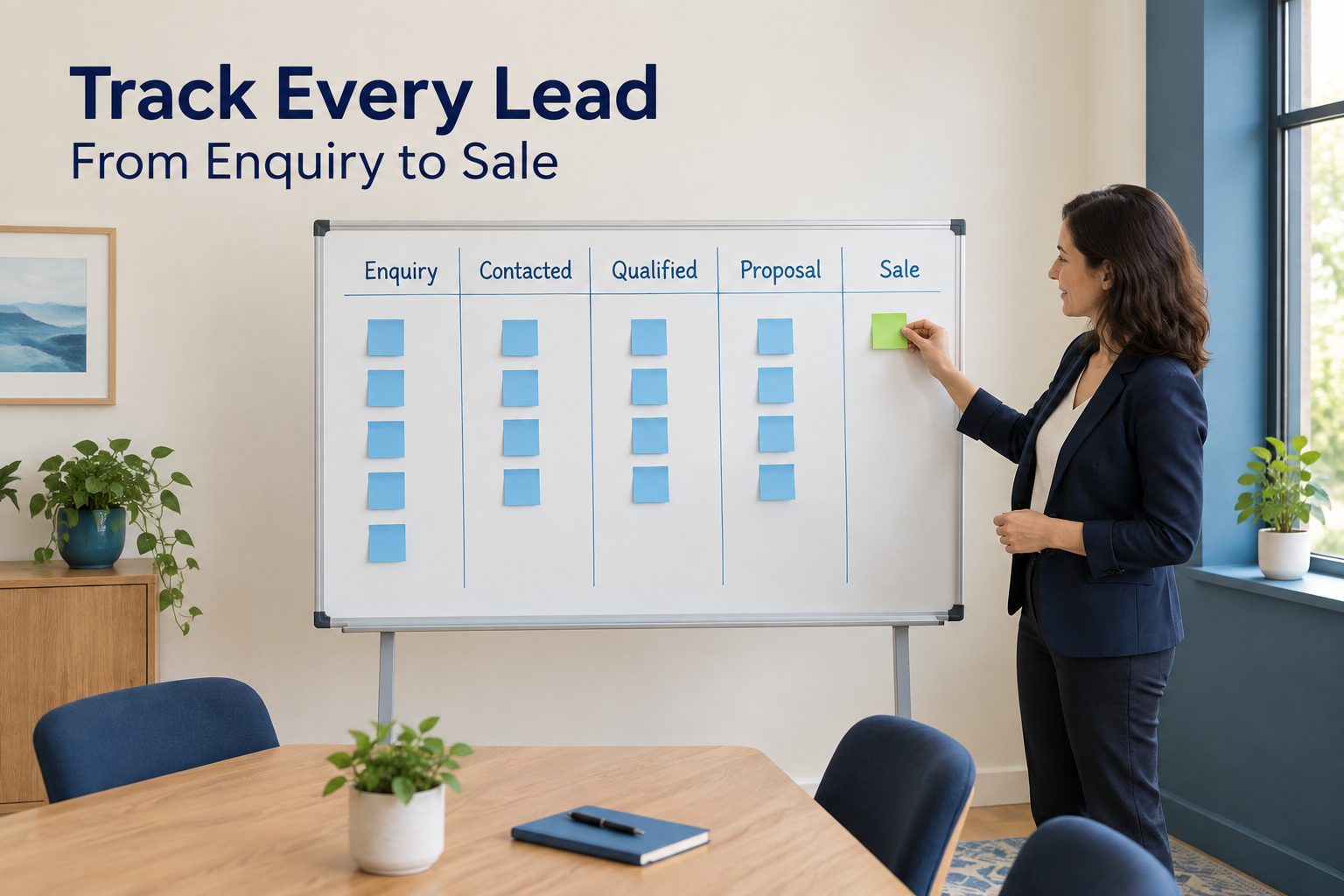
A prospect fills in your enquiry form. Someone calls them, sends a quote and promises to follow up next week.
Then the conversation disappears into a personal chat. The quote sits in an inbox. Nobody knows who should call next.
Tracking leads helps prevent these gaps. It gives your team a shared record of each enquiry, the conversations that follow and the next action needed.
You can start with a simple process: record every enquiry, assign an owner, update its stage and keep a dated next action until the opportunity closes.
Here is how to put that process into practice.
What Does Lead Tracking Mean?
Lead tracking means recording where a potential customer came from, what has happened since they enquired and where they stand in your sales process.
A useful lead record answers six questions:
- Who is the prospect?
- Where did the enquiry come from?
- Who is responsible for it?
- What has been discussed?
- What stage has the opportunity reached?
- What happens next, and when?
Lead tracking is part of the wider lead management process, which also includes qualification, assignment and follow-up.
The aim is simple: someone opening the record should understand the opportunity without asking colleagues to reconstruct the conversation.
1. Bring Every Enquiry Into One Shared System
Start by listing the ways people contact your business.
These might include advertising lead forms, website enquiries, phone calls, referrals, events and direct messages.
For each source, decide how an enquiry will reach your shared lead system. Some routes can be connected automatically. Others need a clear manual-entry process.
For example, an enquiry submitted through a connected website form may create a record automatically. A referral received during a phone conversation may need to be added by the person who took the call.
Do not assume that connecting one advertising account captures every interaction. Lead forms, direct messages, comments and calls are different enquiry routes.
Test each route separately:
- Submit a sample enquiry.
- Check that the record appears.
- Confirm that contact details and form answers are correct.
- Check the recorded source.
- Make sure someone is responsible for responding.
If your enquiries come from several advertising platforms, see how to manage Facebook, Instagram and Google leads in one place.
2. Record the Information Needed to Move Forward
Collect enough detail to respond and manage the opportunity. Avoid turning every lead record into a long questionnaire.
Add business-specific details when they become useful.
An education institute might record the course and preferred intake. An interior design business might need property location, project scope and budget.
Before adding another record, check whether the prospect already exists. Duplicate records can lead to repeated calls and incomplete histories.
Also keep the original enquiry time when moving existing records into a CRM. The import date does not tell you how long the prospect has been waiting.
3. Give Every Active Lead a Clear Owner
A lead can be visible to the entire team and still receive no response.
Assign one person who is accountable for moving it forward. That person should know whether to call, qualify the requirement, arrange a meeting or follow up on a quote.
Choose an assignment approach that fits your business. You might distribute leads by service, location, workload or a simple rotation.
Decide who covers enquiries when the owner is unavailable. Assignment alone will not solve delays if a lead goes to someone on leave.
When ownership changes, the new owner should be able to see the previous conversations and the next agreed action.
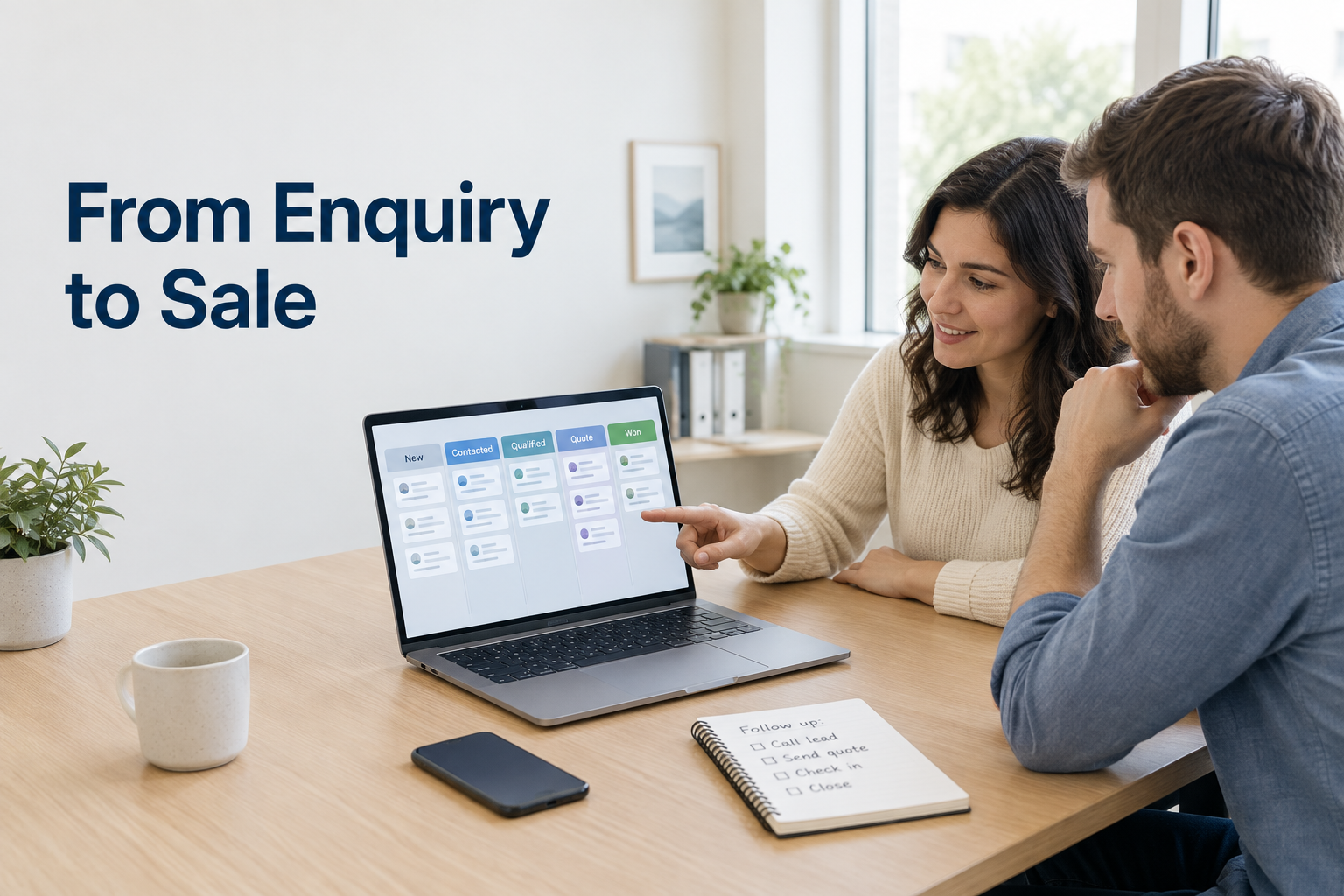
4. Use Pipeline Stages That Represent Real Progress
A pipeline shows how enquiries move towards a buying decision.
Start with a short set of stages your team can use consistently:
New → Contacted → Qualified → Meeting or Quote → Decision Pending → Won or Lost
Define what each stage means before using it.
Adapt the stages to your workflow. A property business may need “Site Visit Scheduled” and “Site Visit Completed.” A service agency may use “Discovery Call” and “Proposal Sent.”
Keep stages focused on progress. “Call tomorrow” belongs in a follow-up task.
Define “Won” carefully too. It might mean a signed agreement, confirmed booking or received payment, depending on how your business recognises a sale.
5. Record Conversations and Contact Attempts
A stage tells you where a lead stands. The activity history explains how it got there.
After each interaction, record the details that will help the next conversation:
- Whether the person answered.
- What they need.
- Questions or concerns they raised.
- Information you sent.
- What you agreed to do next.
A useful note might read:
Looking for a weekend course. Asked about fees and instalments. Course outline sent. Requested a call on Thursday at 5 p.m.
“Called customer” provides much less context.
Keep contact attempts separate from two-way conversations. An unanswered call shows activity, but it does not confirm that the prospect received your advice or discussed their requirements.
Automatic call logging can help record when calls happen and how long they last. Your team should still capture important conversation details and commitments.
To improve the first part of this journey, read what speed-to-lead means and why it matters.
6. Give Every Active Opportunity a Dated Next Action
A lead with no next action is easy to forget.
After each conversation, record what should happen next, who will do it and when it is due.
Make the action specific:
“Call Friday at 11 a.m. to discuss the revised quote” is more useful than “Follow up.”
Other next actions might include sending a requested document, confirming a consultation, arranging a demonstration or checking whether the buyer has approval.
Base follow-up timing on the prospect’s preferences and buying process. Avoid putting everyone on the same schedule regardless of their situation.
When an attempt receives no response, record that outcome and decide on an appropriate next step. Respect requests to stop contact.
If the person wants to revisit the purchase later, record the agreed timing rather than leaving the opportunity indefinitely in an active stage.
7. Automate Repetitive Work After Defining the Process
Once the team follows a consistent process, automation can reduce routine administration.
Depending on your system, useful automations may include:
- Assigning new enquiries to an owner.
- Alerting the owner when a lead arrives.
- Scheduling a follow-up after a stage change.
- Sending an acknowledgement through a configured messaging channel.
Start with one workflow and test it before adding more.
For example:
A new enquiry arrives from a consultation form → an owner is assigned → the owner receives an alert → a follow-up is scheduled.
Keep personal contact separate from automatic acknowledgements when measuring response time.
For automated messaging, check what happens when the prospect replies, buys, changes stage or opts out. Do not assume that every sequence stops automatically.
8. Close the Opportunity and Record the Outcome
Tracking should continue until there is a clear outcome.
For a won lead, record the sale information your team needs for reporting and handover. For a lost lead, capture the reason when it is known.
Useful reasons might include:
- Requirement outside your service scope.
- Budget did not match the offer.
- Prospect chose another provider.
- Purchase postponed.
- Prospect decided not to proceed.
Avoid guessing. If the prospect stops responding, record that rather than assuming price was the problem.
Closing records consistently makes the active pipeline more useful. It also helps you learn from completed opportunities.
How to Set Up This Workflow in Ridhzo
Ridhzo is a mobile-first lead CRM with documented capabilities for lead capture, assignment, pipeline tracking, follow-ups and sales insights.
Here is how those capabilities fit into the process.
Capture and Organise Enquiries
Ridhzo supports Facebook and Instagram Lead Ads, Google Lead Form Ads, website forms through webhooks, hosted forms and manual entry.
For existing records, you can upload a CSV, map columns to lead fields and preview the import before committing it.
Use supported connections for automatic capture and a manual process for enquiry routes you have not connected.
Assign Owners and Track Stages
Ridhzo supports assignment options including round-robin, capacity-based routing, team rules and automations.
Its custom statuses and pipeline board let you organise opportunities around your sales process.
Start with a few clearly defined stages and make sure every active lead has an owner.
Keep Lead Context Together
The lead profile includes lead details, custom fields and an activity timeline. Mobile users can review this context before contacting a prospect.
The native Android app supports automatic device call syncing, including call timestamps and durations. Reps can also record call outcome notes.
Use the activity record to support handovers and informed follow-ups.
Schedule Follow-Ups and Automate Routine Actions
Ridhzo supports follow-up scheduling and WHEN → IF → THEN automations. Documented actions include assigning leads, changing statuses and scheduling follow-ups.
Begin with a simple assignment or follow-up workflow. Check it with a test lead before applying it more broadly.
Review Progress and Outcomes
Ridhzo’s dashboards and insights cover areas including pipeline, conversion, source performance and call metrics.
Use these views to investigate where leads stop progressing and which parts of the process need attention. Clear stages and accurate records are essential for meaningful reporting.
Example: Tracking an Interior Design Enquiry
Consider this illustrative workflow for an interior design business.
A homeowner submits a website form asking about a kitchen renovation. The connected form creates a lead, which is assigned to a sales representative.
The representative reviews the enquiry, calls the homeowner and records the property location, expected scope and preferred start date.
After confirming that the project is suitable, the representative moves the lead to “Qualified” and schedules a consultation.
Following the consultation, the team sends a quote, updates the stage and records the agreed date for discussing it.
If the homeowner accepts, the lead moves to “Won” once the business’s sale condition is met. If the project is postponed, the representative records that outcome and any agreed future contact date.
Throughout the journey, the record shows the source, owner, conversations, stage and next action. The team can continue the work without piecing together separate messages.
What Should You Review Each Week?
Keep the review focused on questions that lead to action.
Define your measures consistently.
For example, when calculating lead-to-sale conversion, follow a defined group of enquiries over enough time for your normal sales cycle. Comparing this month’s new enquiries with this month’s sales can mislead you if those sales came from older leads.
Use the review to make a practical change, such as adjusting lead cover, simplifying a stage or improving quote follow-up.
Common Lead Tracking Mistakes
Keeping Two Active Versions of the Same Record
A CRM and a separate spreadsheet can quickly disagree about ownership, status and next steps.
Choose one system for day-to-day updates. If you are making the transition, see how to manage leads without Excel or Google Sheets.
Updating Stages Without Recording Context
“Decision Pending” does not explain whether the prospect is comparing quotes, waiting for approval or concerned about timing.
Add a brief note and a next action.
Treating Activity as Progress
More calls do not necessarily mean more qualified opportunities. Review whether activity leads to conversations and useful next steps.
Leaving Old Opportunities Open
An active pipeline filled with outdated enquiries makes planning harder. Review inactive records and decide whether to continue, defer or close them.
Frequently Asked Questions
What is the easiest way to track leads?
Use one shared system with contact details, source, owner, stage, last interaction and a dated next action. Update it after each meaningful interaction.
Can I track leads in a spreadsheet?
Yes. A spreadsheet can work for a simple process with one owner and manageable enquiry volume. A CRM becomes useful when you need shared activity histories, connected lead sources, reminders and team visibility.
What is the difference between lead tracking and a sales pipeline?
Lead tracking covers the history and current position of individual enquiries. A sales pipeline groups those opportunities into stages so you can see how they are progressing.
How often should lead records be updated?
Update a record after a meaningful interaction, ownership change, new next action or buying decision. Review due work daily and the wider pipeline regularly.
Can every enquiry be captured automatically?
Automatic capture depends on the source, connection and software setup. Test each enquiry route and give the team a manual-entry process for anything that is not connected.
Start With Your Active Leads
Open your current lead list and check three things: does each active opportunity have an owner, an accurate stage and a dated next action?
Fix those gaps first. Then improve capture, conversation records and reporting.
If your team needs a shared mobile workflow, explore Ridhzo using one real enquiry journey—from capture and assignment through follow-up to a recorded outcome.