
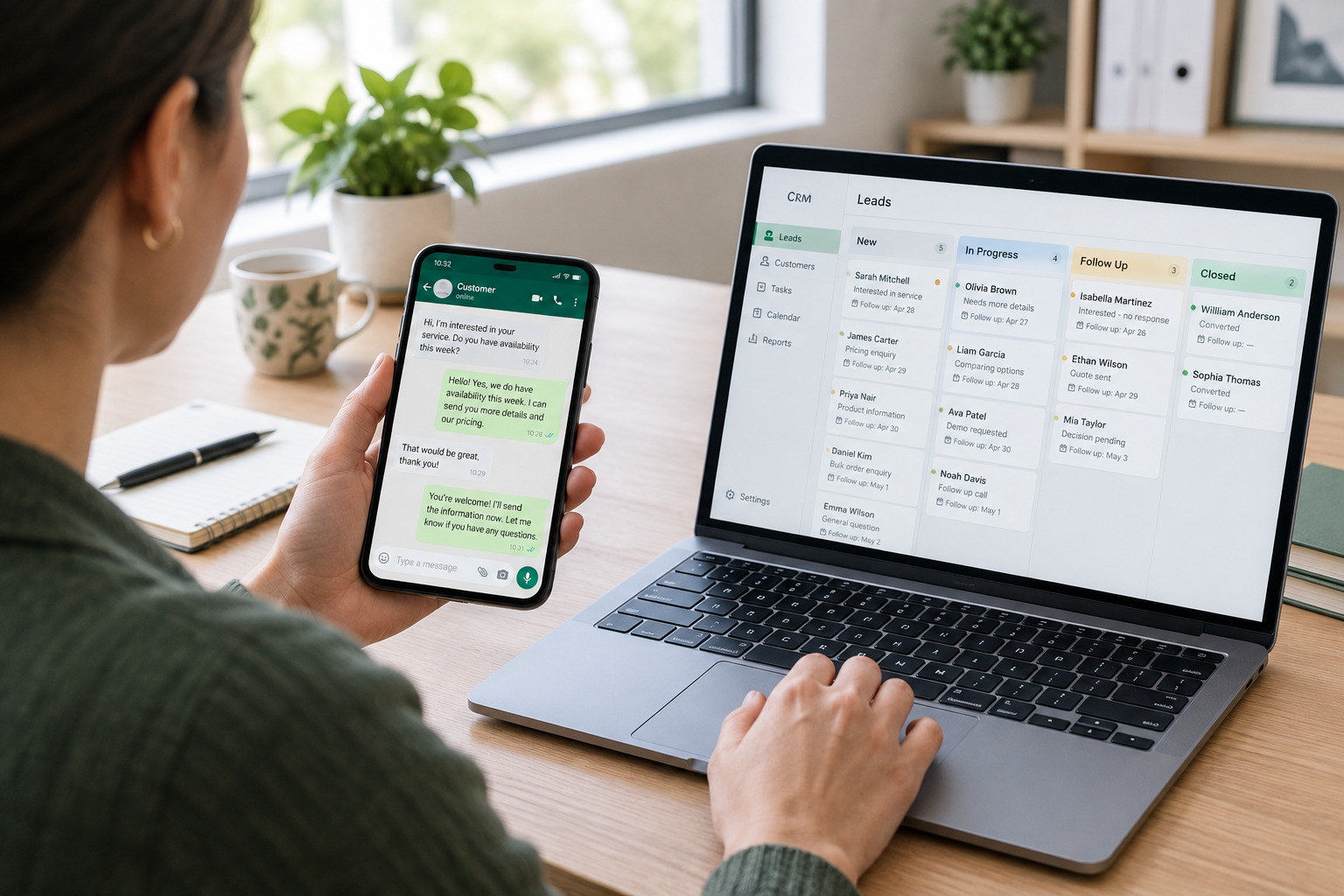
A WhatsApp CRM is customer relationship management software that connects WhatsApp communication with customer or lead records. It helps a business keep track of who a prospect is, what they need, who is responsible for helping them and what should happen next.
For a small business, this means a WhatsApp conversation can become part of an organised sales process, with an assigned owner, a recorded stage and a dated follow-up.
However, WhatsApp CRM tools do not all work the same way. Some simply open WhatsApp from a contact record with a prepared message. Others connect through the official WhatsApp Business API to support messaging inside the CRM, incoming replies and automated communication.
Understanding that difference is essential before choosing a system.
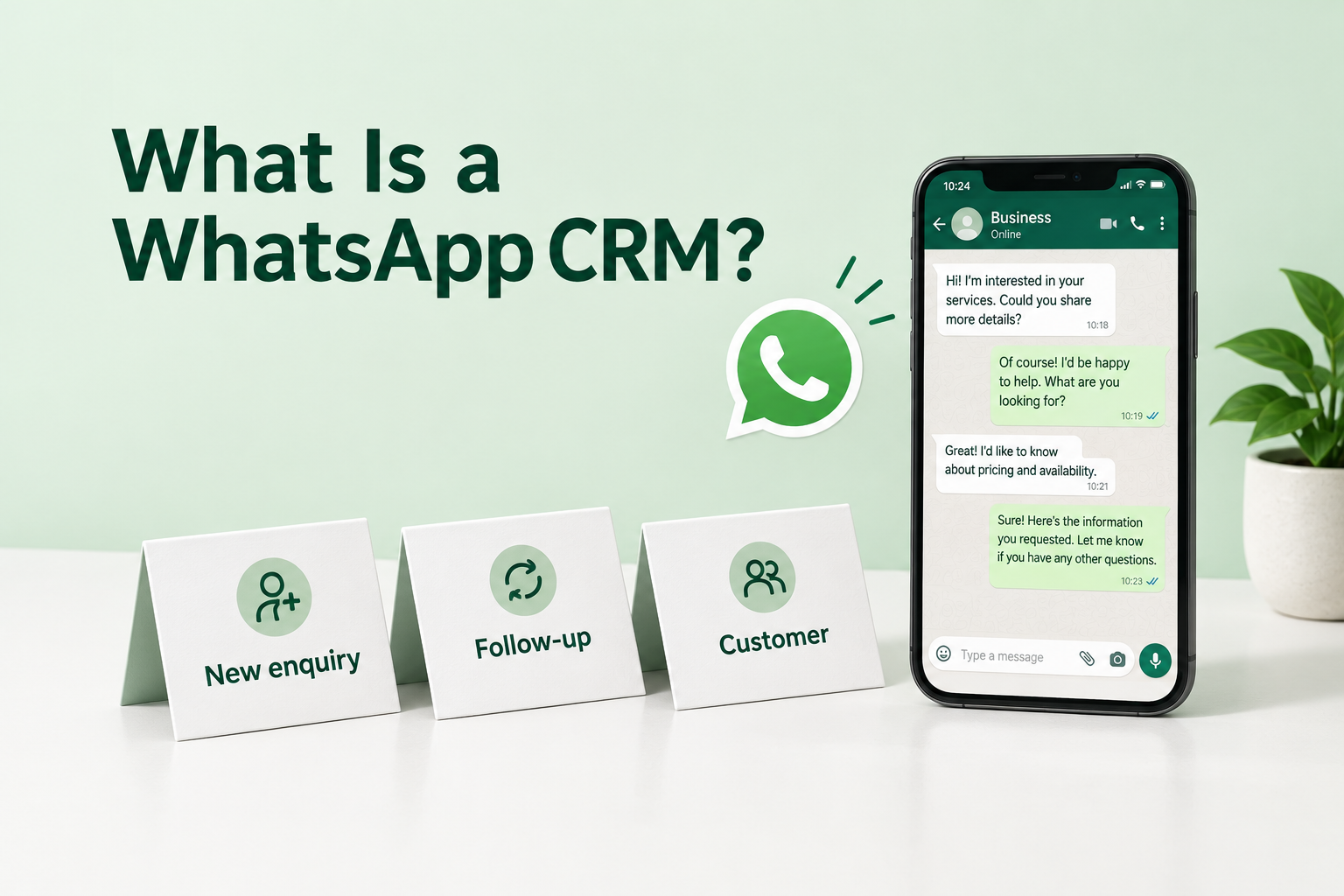
Why Businesses Need More Than a WhatsApp Chat List
WhatsApp makes it easy to speak with prospects. Keeping track of those prospects requires a separate process.
Imagine an interior design business receiving enquiries throughout the week. One person asks for a kitchen renovation estimate. Another shares floor plans. A third wants a call after the weekend.
The conversations are available, but the team still needs answers:
- Who is handling each enquiry?
- Has someone sent the requested estimate?
- Which prospects are waiting for a reply?
- Who needs a follow-up today?
- Which enquiries became customers?
When this information stays in individual chats or in someone’s memory, follow-ups become harder to manage.
A WhatsApp CRM helps connect conversations with responsibilities and next actions. For a broader explanation of that process, read How to Track Every Lead From Enquiry to Sale.
How Does a WhatsApp CRM Work?
A typical workflow starts with a lead record and continues through communication, follow-up and an outcome.
1. Create or capture a lead record
The CRM stores information such as the prospect’s name, phone number, enquiry source and requirements.
A lead may come from an advertising form, a website enquiry, an import or manual entry. Whether an incoming WhatsApp message automatically creates a lead depends on the product and its integration.
Do not assume that connecting WhatsApp automatically imports every existing chat or contact.
2. Give the lead an owner
Assign one person to handle the enquiry.
Even when several team members can access a record, clear ownership helps prevent duplicate replies and missed follow-ups.
3. Start or continue the conversation
Depending on the connection, the salesperson either opens WhatsApp from the CRM or sends a message directly inside it.
The message should address the enquiry. If someone asked about a particular course, property or service, start with that context.
4. Record progress and the next action
After the conversation, update the lead’s stage and add relevant notes.
For example:
Interested in a two-bedroom apartment. Requested weekend viewing options. Follow up on Thursday to confirm availability.
A stage explains where the opportunity stands. A dated next action explains what the team needs to do.
5. Track the outcome
Record whether the prospect bought, declined, postponed the decision or stopped responding.
This gives the team a clearer picture of sales progress than message counts alone.
Two Common Types of WhatsApp CRM Integration
The phrase “WhatsApp integration” can describe very different capabilities.
Click-to-chat integration
A click-to-chat connection opens WhatsApp or WhatsApp Web from a lead record. It may prepare a personalised message for the salesperson to review and send.
This can suit a solo business owner or a small team that mainly needs organised lead records and easier manual outreach.
However, opening a chat does not establish that the CRM can read replies, synchronise the entire conversation or send messages automatically.
Before choosing this setup, check exactly what gets recorded.
WhatsApp Business API integration
An official WhatsApp Business API connection can support more connected workflows, depending on the CRM and provider.
These may include sending messages inside the CRM, receiving replies, viewing delivery information and triggering automated actions.
API messaging also involves template requirements, messaging windows and provider or Meta charges. For example, Ridhzo’s documented API workflow uses free-text messages inside the 24-hour customer service window and approved templates outside it.
Ask the provider how these requirements affect your intended workflow before setting up automated messages.
What Should You Look for in a WhatsApp CRM?
Start with how your team works each day.
Useful lead records
A salesperson should be able to understand the enquiry before replying.
Look for space to record the lead’s source, requirements, owner, stage and previous activity.
Clear visibility into conversations
Ask a specific question: Can the CRM receive incoming WhatsApp replies, or does it only open WhatsApp?
Also check whether conversation visibility depends on an API connection, a particular provider or a paid plan.
Follow-up management
Sending a message is only one step.
The CRM should help the team organise callback dates, unanswered enquiries, quote follow-ups and meeting reminders.
Reusable messages
Templates can reduce repetitive typing, especially for introductions, appointment confirmations and requested information.
They should still leave room for a response that fits the enquiry.
Practical automation
Choose automation for a defined task, such as acknowledging a new enquiry or scheduling a follow-up.
Check what actually happens: a reminder to send a message and an automatically delivered WhatsApp message are different actions.
Mobile usability
If your team works away from a desk, test the workflow on a phone.
Can they find the lead, read the context, send a message and record the next action without unnecessary steps?
Transparent costs
Ask about the CRM subscription, required integrations and any separate messaging charges.
A subscription that includes WhatsApp functionality does not necessarily include the cost of API messages.
How Ridhzo Supports WhatsApp Lead Management
Ridhzo offers two documented ways to use WhatsApp: personal WhatsApp mode and WhatsApp Business API mode.
Personal WhatsApp mode
In personal mode, tapping WhatsApp on a lead opens the user’s WhatsApp app or WhatsApp Web with a pre-filled, personalised message. The salesperson reviews and sends it from their own WhatsApp account.
Ridhzo documents a message entry on the lead’s timeline. This should not be treated as confirmation that the recipient received the message or that incoming replies are synchronised.
This mode suits manual communication from existing numbers. It does not require an API connection.
WhatsApp Business API mode
With a configured official WhatsApp Business API connection, Ridhzo documents support for:
- Sending messages inside Ridhzo.
- Viewing delivery and read receipts.
- Adding incoming replies to the lead’s timeline.
- Using incoming replies to trigger automations.
- Sending approved templates outside the 24-hour messaging window.
- Using WhatsApp in automations, sequences and campaigns.
The documented connection options include Watxio and Meta Cloud API. Messaging is billed directly through Meta or the provider, separately from any applicable CRM subscription.
Templates and follow-up workflows
Ridhzo supports reusable WhatsApp templates with personalisation fields, including the lead’s name and custom-field values.
Its documented automation examples include assigning a new lead and scheduling a follow-up. API messaging can also support an automated first response.
The distinction matters for campaigns, too: in personal mode, Ridhzo logs a reminder note for manual sending. It does not automatically deliver a bulk WhatsApp campaign from the salesperson’s personal account.
Example: Managing Course Enquiries Through WhatsApp
Consider an education institute receiving enquiries about a weekend course. The following is an illustrative workflow, not a customer result.
Problem
Counsellors respond through individual chats, but the manager struggles to see who has received course details and who still needs a callback.
Workflow
Every enquiry needs an owner, a relevant response and a next action.
Ridhzo setup
Connect a supported lead source, such as Facebook or Instagram Lead Ads, or use a hosted form. Invite the counsellors and set up lead assignment.
Create a reusable WhatsApp message:
Hi Priya, thanks for asking about our weekend course. Would you like the schedule and fee details, or would a quick call be more helpful?
Automation
With the appropriate API connection, configure an automation to send an initial WhatsApp template. Set up assignment and a follow-up so the acknowledgement is followed by personal attention.
With personal mode, the counsellor opens WhatsApp from the lead record and sends the message manually.
Follow-up
After the conversation, record the prospect’s requirements and schedule the agreed next action.
For example: “Needs to check work schedule. Call Friday afternoon.”
Reporting
Review lead progress and follow-up activity. Separate prospects who have only received information from those who have confirmed a meaningful next step.
Outcome
The intended outcome is a more organised enquiry process: each lead has an owner, useful context and a clear next action. Actual sales results depend on the team’s execution and the prospect’s needs.
Common WhatsApp CRM Mistakes
Assuming all chats will synchronise
Check whether the integration captures outgoing messages, incoming replies or only a record of the outreach action.
Treating an automatic reply as a completed response
An acknowledgement tells the prospect their enquiry arrived. Their question may still need a person’s attention.
Keep acknowledgements separate from personal contact when reviewing speed-to-lead.
Sending the same message to everyone
Use templates as a starting point. Adjust the message to match what the person asked.
Leaving follow-ups inside chats
If someone says “contact me next Tuesday,” create a dated task. A message in a chat history is easy to overlook.
Automating without checking permission
Use appropriate consent, respect requests to stop and check the applicable messaging requirements before launching outreach.
Measuring activity without progress
A high number of messages does not explain whether prospects are moving towards a decision. Review next actions and outcomes alongside communication activity.
How to Get Started
Start with one enquiry source and one simple workflow.
- Decide whether your team needs manual WhatsApp outreach or API-based messaging.
- Define the information each lead record should contain.
- Give every new enquiry an owner.
- Prepare a few useful message templates.
- Set a follow-up expectation for unanswered enquiries.
- Test the complete journey with a test lead.
- Check what appears in the CRM after an outgoing message and an incoming reply.
If your records currently sit in a spreadsheet, use this guide to managing leads without Excel or Google Sheets to prepare for the move.
Frequently Asked Questions
Is WhatsApp itself a CRM?
WhatsApp is a messaging service. A CRM adds a structured way to manage lead records, ownership, sales progress and follow-ups around those conversations.
Do I need the WhatsApp Business API?
You may not need it for manual outreach through click-to-chat links. API-based functionality becomes relevant when you need capabilities such as in-CRM sending, incoming-reply capture or automated messaging.
Can a WhatsApp CRM automatically send follow-ups?
Some can, with the appropriate integration and configuration. In Ridhzo, automated WhatsApp sending relies on its Business API mode. Personal mode requires manual sending.
Will my existing WhatsApp conversations appear in the CRM?
Do not assume so. Existing chat import and ongoing reply synchronisation are separate capabilities. Confirm both with the provider before migrating.
Is a WhatsApp CRM useful for a small team?
It can be useful when the team has difficulty tracking ownership, remembering callbacks or seeing what happens after the first message. Choose a setup that solves those specific problems.
Give Every WhatsApp Enquiry a Clear Next Step
Start by making sure every active enquiry has an owner, a recorded status and a dated next action.
If you are considering Ridhzo, test its personal WhatsApp workflow first, or assess its documented API mode if you need in-CRM messaging and automation. Choose based on how your team needs to respond and follow up.