
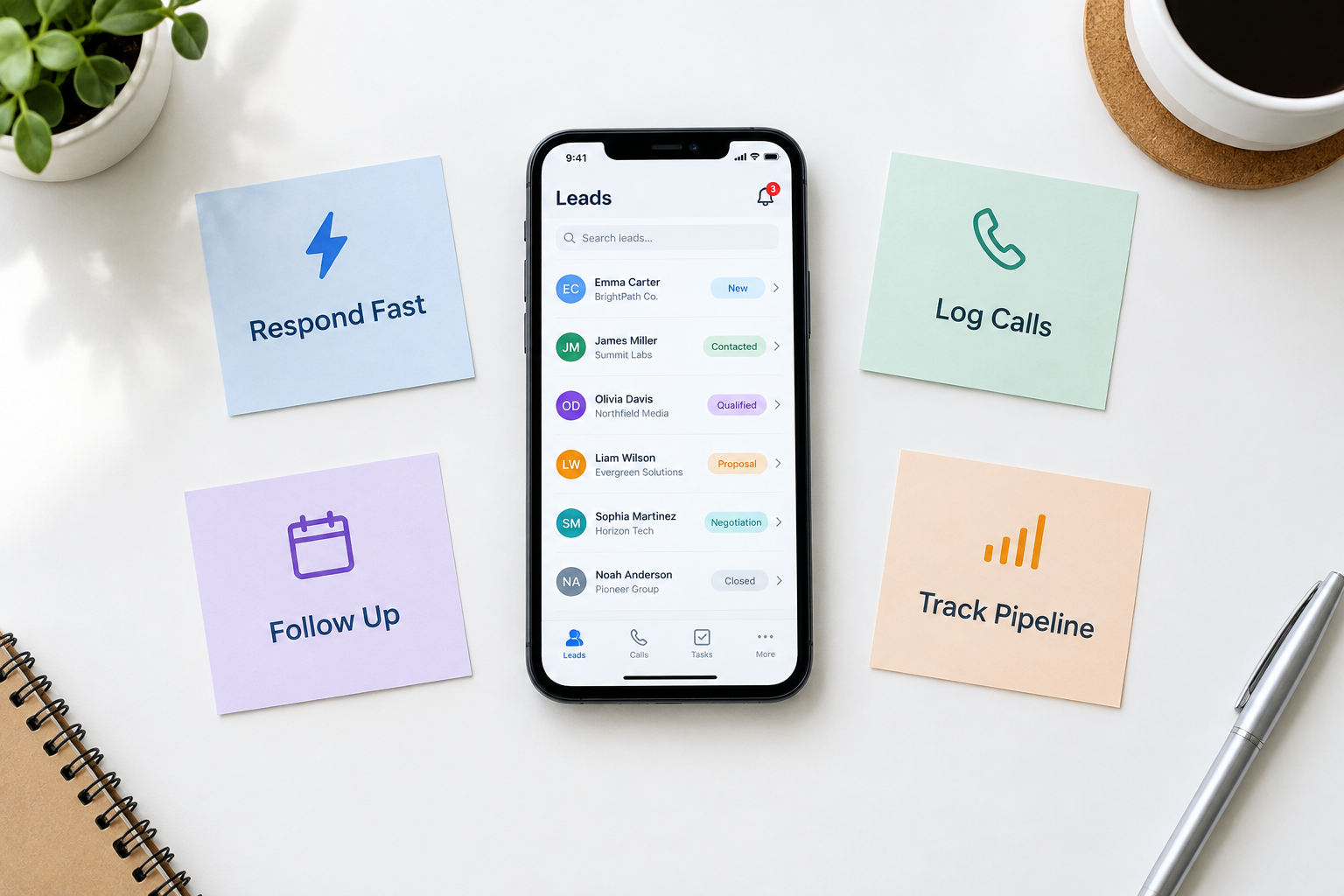
Most sales conversations don’t happen at a desk. They happen between meetings, at client offices, on site visits, and in the ten minutes after a new enquiry lands. Yet many teams still run their sales process from a desktop CRM, a spreadsheet, and a phone’s call log that nobody checks.
A mobile CRM puts the sales process on the device your reps already carry all day. This article explains the specific reasons sales teams need one—what actually changes, what it fixes, and how to know if it applies to your team.
1. Leads Arrive When Nobody Is at a Desk
A Facebook ad enquiry or a website form submission can land at 11:40 a.m., while your rep is mid-visit at a client’s office. With a desktop-first workflow, that lead waits for someone to return to a laptop, check a form export or an inbox, and assign it. Hours pass. The prospect messages a competitor.
With a mobile CRM, the rep’s phone buzzes with a new-lead alert. Tapping it opens the lead record with the enquiry details and source. The rep can call or message back within minutes—often before the prospect has closed the tab.
This is the core of speed-to-lead: the time between enquiry and first contact attempt. For quote or consultation requests, small teams commonly aim to respond within 15 minutes—not because faster is magically better, but because the prospect is still in buying mode and competitors usually aren’t faster than that.
2. Response Speed Becomes a System, Not a Coincidence
A single fast response is luck. A repeatable fast response needs three things working together:
- Capture: every enquiry—website form, Facebook/Instagram lead ad, Google lead form, WhatsApp, missed call—flows into one system automatically.
- Assignment: each lead gets an owner, so nobody assumes “someone else is handling it.”
- Alerts: the owner is notified on their phone, with priority that matches the lead’s importance.
A mobile CRM connects these. Without it, speed depends on who happens to check what, when.
3. Calls Stop Disappearing
Ask any sales manager what’s in the team’s call history for last Tuesday, and the honest answer is usually “whatever someone remembered to write down.”
A mobile CRM with automatic call syncing changes that. Incoming, outgoing, and missed calls are logged with timestamps and duration, without the rep doing anything. Missed calls become visible follow-up items instead of silent losses. Answered calls can even complete pending follow-ups automatically.
Manual logging always decays. Reps are busy, notes get skipped, and by month-end the CRM holds a partial picture of what actually happened. Automatic logging is one of the clearest practical reasons a mobile CRM earns its place.
4. Follow-Ups Actually Happen
The most common way sales are lost isn’t a rejection—it’s silence. A rep plans to call back Thursday, gets buried, and the lead quietly goes cold.
Paper diaries and mental notes don’t survive a busy day. Desktop reminders don’t work for someone who isn’t at the desk. A mobile CRM delivers follow-up reminders as notifications on the phone the rep carries—so the planned callback interrupts the day instead of relying on the rep remembering it.
Teams that want structure can go further: a 7-day follow-up sequence (respond, share something useful, ask a question, close the loop) makes the first week of every lead’s life consistent instead of improvisational.
5. Pipeline Progress Happens in the Moment
When updates require a laptop, they wait. Leads pile up in “Contacted” long after they’ve moved on in reality, and the pipeline becomes fiction.
A mobile CRM lets the rep update the stage, add a note, and set the next action right after the conversation—while the details are fresh. The pipeline reflects today, not last week’s catch-up session.
6. Managers Get Real Visibility
Every benefit above quietly doubles as reporting:
- First-response time shows whether speed-to-lead is actually improving.
- Overdue follow-ups show who needs help before deals are lost.
- Stage conversion shows where leads stall.
- Outcomes by source shows which lead channels deserve budget.
None of this works if the data was never recorded. Because a mobile CRM captures actions as they happen, the reports describe reality.

Who Doesn’t Need One?
A mobile CRM isn’t universal. If your team is office-based, runs every conversation from a desk, and never misses responses because someone is always watching the inbox, a desktop CRM may be enough.
But if your reps spend most of the day away from a desk—real estate, insurance, field sales, education admissions, clinics, gyms, travel, agencies—then the phone is where the work happens, and the CRM needs to be there too.
What to Check Before Choosing
Run one real enquiry end-to-end on the rep’s actual device, one-handed:
- Can leads arrive from your actual sources and push an alert to the phone?
- Can the rep call and message (especially WhatsApp) from the lead record?
- Is call logging automatic on your team’s phones? Note that automatic call syncing can depend on the platform—Ridhzo documents it for its Android app, for example.
- Do follow-up reminders arrive as notifications, not just a list inside the app?
- Does it work offline for capture and editing, syncing safely later?
- Can a lead be created, updated and progressed fully on the phone?
If any answer is no, adoption will suffer and the data will go stale.
How Ridhzo Fits This
Ridhzo is a mobile-first lead CRM—built phone-first, not desktop-first with an app bolted on. Documented capabilities map directly to the needs above:
- High-priority push alerts for new leads, calls, and follow-up reminders, opening straight into the lead profile.
- One-tap communication: WhatsApp, call, SMS, and email from each lead card, with pre-filled templates.
- Automatic Android call syncing: incoming, outgoing, and missed calls logged with duration; answered calls auto-complete pending follow-ups.
- Caller ID directory: the rep’s phone shows the lead’s name before answering an incoming call.
- Offline capture and editing with sync and conflict detection, so web and mobile edits don’t overwrite each other.
- GPS check-in for site visits, with outcome and next follow-up recorded in one step.
- AI on mobile: 1-click suggestions that fill fields from call notes and advance the lead stage.
If your team’s sales process lives on phones, these are the capabilities to test with your real enquiries.
Common Mistakes
- Treating a companion app as a mobile CRM. View-only apps don’t count; leads must be workable on the phone.
- Assuming call tracking works everywhere. Verify on the exact devices your team uses.
- Ignoring offline needs. Field teams hit dead zones; without offline capture, leads get lost or double-entered.
- Buying for the office, not the field. The features that matter are the ones reps use hourly: open, contact, schedule.
- Testing on a laptop. Evaluate on the rep’s device, one-handed, in real conditions.
Frequently Asked Questions
Why do sales teams need a mobile CRM?
Because sales conversations happen away from desks. A mobile CRM lets reps respond to new leads in minutes, log calls automatically, keep follow-ups on track, and update the pipeline from the phone—so speed and discipline stop depending on memory.
Is a mobile CRM only for field sales teams?
No, but it matters most there. Any team whose reps spend significant time away from a laptop benefits; fully office-based teams may find a desktop CRM sufficient.
What’s the difference between a mobile CRM and a CRM app?
A CRM app is often a stripped-down companion to desktop software. A mobile CRM is built for phone-first workflows: fast actions, alerts, automatic logging, and offline support.
Can a mobile CRM replace a desktop CRM?
For phone-first teams, largely yes. Many products, including Ridhzo, pair the mobile app with a web dashboard so managers keep full-screen reporting.
How does a mobile CRM improve response time?
By connecting capture, assignment, and phone alerts: the enquiry enters the system automatically, gets an owner, and that owner is notified on their phone instantly.
Next Step
Watch your team for one day. Where do enquiries arrive? Where do responses wait? What gets recorded without being asked to? If the answers are “on phones,” “until someone’s back at a desk,” and “not much,” your sales process is already mobile—your CRM just isn’t yet.