
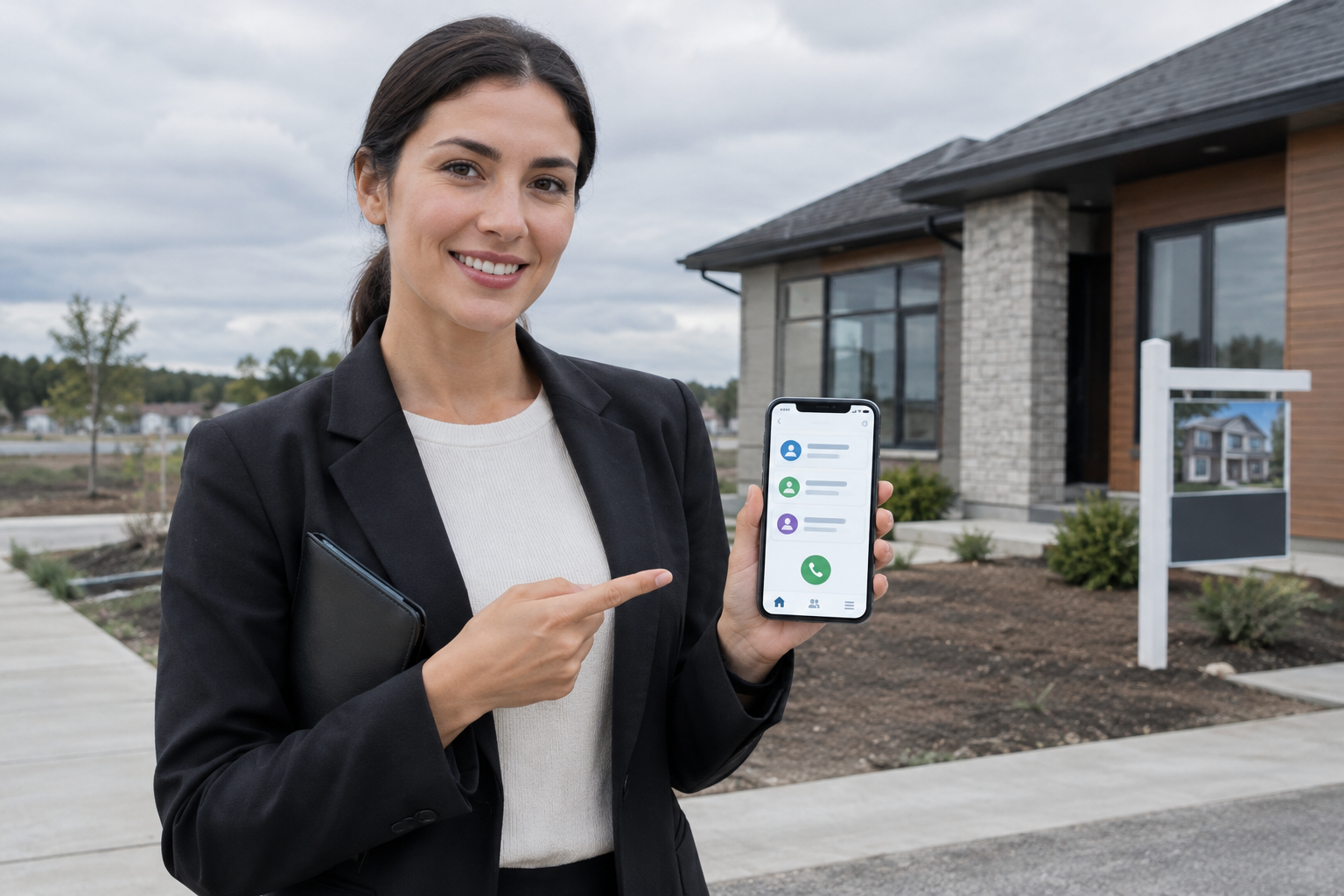
A new enquiry comes in while your sales rep is standing in a client’s office, waiting at a property site, or stuck in traffic. By the time they return to a laptop, that prospect has already messaged a competitor.
A mobile CRM is customer relationship management software designed to be used on a phone first—not as a scaled-down version of a desktop tool, but as the primary place where your team actually works.
This guide explains what a mobile CRM is, what it can do, how it differs from desktop CRM software, and how to tell whether your business needs one.
What Is a Mobile CRM, in Simple Terms?
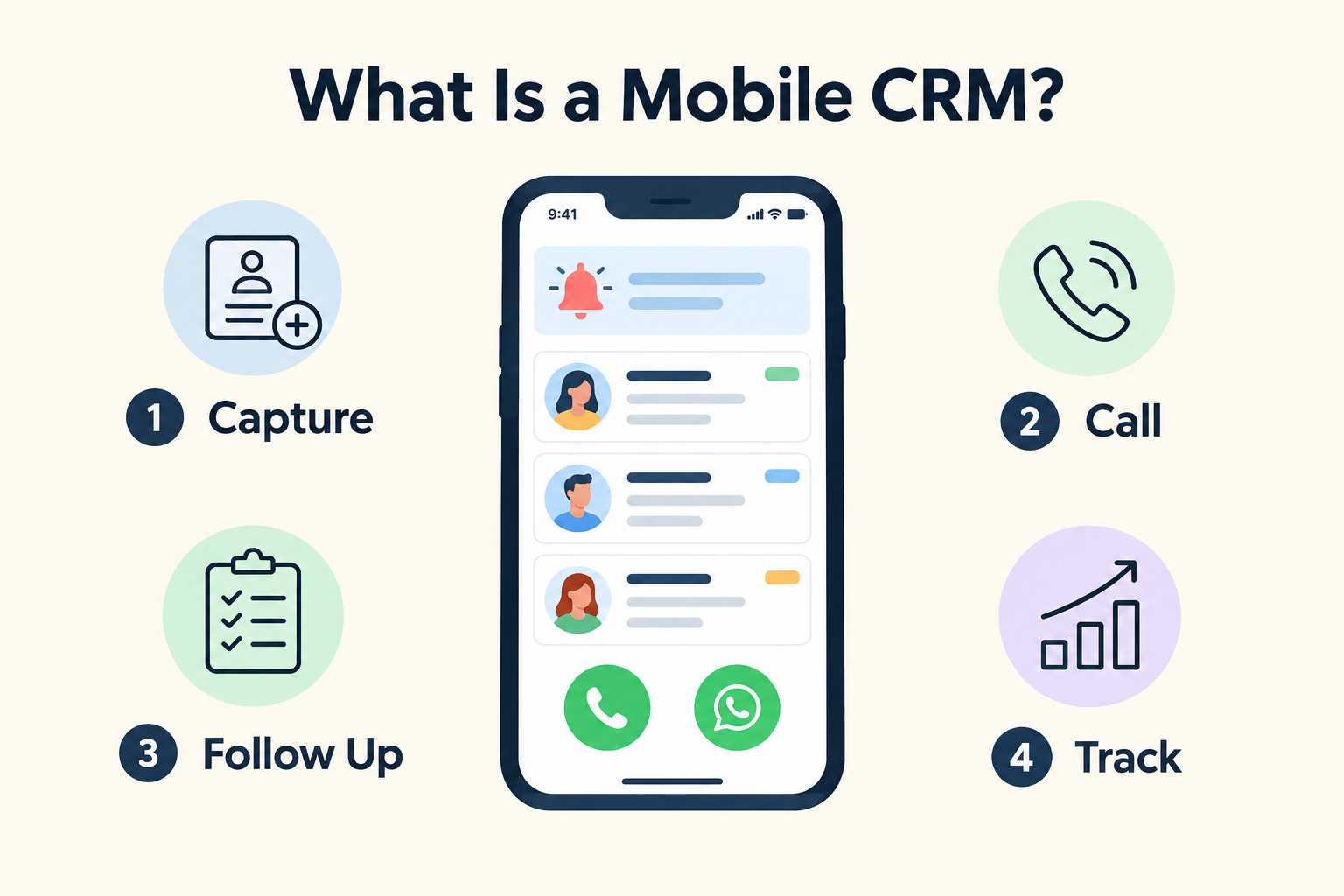
A mobile CRM is an app on your phone that lets you manage customer relationships and sales conversations wherever you are.
Instead of recording enquiries in a notebook or spreadsheet and typing them into a system later, a rep can capture a lead, call them, send a WhatsApp message, add notes, set a follow-up reminder, and update the deal stage—all from the same phone, in the moment.
Think of it this way:
- A desktop CRM assumes work happens at a desk.
- A mobile CRM assumes work happens wherever the customer is.
For sales teams that spend most of the day away from a laptop—real estate agents, insurance advisors, field sales reps, consultants, gym and clinic staff—a mobile CRM matches how they already work.
What Can a Mobile CRM Do?
The exact capabilities vary by product, but a practical mobile CRM typically supports:
Capturing and viewing leads. Seeing every enquiry with its details, source, owner, and full history—right on the phone screen.
Instant alerts. Push notifications when a new lead arrives, so the first response happens in minutes rather than hours.
One-tap communication. Calling, messaging on WhatsApp, sending an SMS or an email directly from the lead’s record, often with pre-filled message templates.
Call tracking. Logging calls automatically with timestamps and duration, instead of relying on reps to remember and type notes.
Follow-up reminders. Notifications for scheduled callbacks and overdue follow-ups, so opportunities don’t quietly go cold.
Pipeline updates on the move. Moving a lead through stages—Contacted, Qualified, Meeting, Won—without opening a laptop.
Offline access. Capturing and editing leads even with no network, then syncing automatically when connectivity returns.
Dashboards and reports. Reviewing today’s tasks, overdue follow-ups, and sales performance from the phone.
Mobile CRM vs. Desktop CRM
Most CRM software now offers both a desktop interface and a mobile app. The real question is which one the product is built around.
A desktop-first CRM that later ships a mobile app often treats the phone as a companion: view-only screens, clunky forms, and limited actions. A mobile-first CRM reverses this—every screen is designed for the small screen first, and the web dashboard is for managers who want the bigger view.
Many teams use both: reps live in the mobile app; owners and managers use the web dashboard for reporting and pipeline reviews.
Who Needs a Mobile CRM?
Consider a mobile CRM if your team:
- Works from phones most of the day. Field sales, real estate, insurance, education admissions, clinics, gyms, travel, and agency teams.
- Loses leads to slow responses. If enquiries arrive by WhatsApp and ad forms but responses wait until someone returns to a desk, prospects go cold.
- Forgets to log calls and notes. Manual logging depends on memory and discipline; it decays under a busy day.
- Misses follow-ups. Without reminders on the device the rep actually carries, planned actions slip.
- Works in poor connectivity areas. Site visits, basements, and remote locations need offline capture.
If your sales process genuinely runs from a desk—say, an inside sales team that never leaves the office—a desktop CRM may be sufficient.
How a Mobile CRM Fits the Lead Management Process
Lead management covers capturing, organising, qualifying, assigning, and following up with prospects until they buy. A mobile CRM carries each step onto the phone:
- Capture: An enquiry form, ad lead, or walk-in gets recorded instantly—by push notification or quick entry.
- Assign: The lead gets an owner, and that owner gets an alert on their phone.
- Respond: The rep taps call or WhatsApp from the lead record and replies in seconds.
- Record: The call, message, and outcome are logged—ideally automatically.
- Follow up: A dated reminder appears as a notification on the rep’s phone.
- Update: The lead moves along the pipeline as the conversation progresses.
- Review: Managers see dashboards and reports on the web; reps see their day on the phone.
Practical Example
A real estate rep is at a construction site when a Facebook ad lead arrives.
With a spreadsheet-plus-desktop workflow, the lead waits hours: the form export happens later, someone at a desk assigns it, and the rep calls after returning to the office.
With a mobile CRM, the rep’s phone buzzes with a high-priority alert. Tapping it opens the lead profile. The rep glances at a pre-call brief, calls from the record, and the call is logged automatically with its duration. An answered call even marks the pending follow-up complete. Before leaving the site, the rep sets the next follow-up date. Total elapsed time: under a minute.
Multiply that across dozens of monthly enquiries, and response speed and follow-up discipline become a system rather than luck.
How to Choose a Mobile CRM
Test any mobile CRM against your real workflow:
- Capture: Does it connect to your actual lead sources—website forms, Facebook/Instagram lead ads, Google lead forms, WhatsApp?
- Alerts: Are new-lead notifications high-priority and routed directly into the lead record?
- Communication: Can reps call and message (especially WhatsApp) from the lead card with pre-filled templates?
- Call logging: Is it automatic on the devices your team uses? Note that automatic call syncing may depend on the platform—for example, some products support it on Android but not iOS.
- Follow-ups: Are reminders delivered as notifications on the phone, not just listed in an app you have to check?
- Offline mode: Can leads be captured and edited with no signal, with safe syncing later?
- Usability: Try opening a lead, calling, adding a note, and scheduling a follow-up one-handed. If it takes more than a few taps each, adoption will suffer.
Run one real enquiry through the full journey—capture → assignment → first contact → follow-up → outcome—before committing.
How Ridhzo Supports Mobile CRM Workflows
Ridhzo is a mobile-first lead CRM, available as a native Android app and a browser-installable progressive web app (PWA) for Android and iOS.
Documented mobile capabilities include:
- High-priority push notifications for new leads, calls, and follow-up reminders, with tap-to-open routing directly into the lead profile.
- One-tap communication: WhatsApp, phone call, SMS, and email from each lead card, with pre-filled templates.
- Automatic Android call syncing: incoming, outgoing, and missed calls logged with timestamps and talk duration; answered calls auto-complete pending follow-ups, unanswered ones stay open for callbacks.
- Caller ID directory: pre-cached lead phone keys show the lead’s name and details on the rep’s phone before they answer.
- Mobile lead profile parity: full lead fields, timeline, and pre-call briefs on the phone.
- 1-click AI suggestions on mobile: auto-fill fields like budget and location from call notes, advance lead stage, and view stage playbooks.
- Offline-first capture and editing with incremental sync and conflict detection, so web and mobile edits never silently overwrite each other.
- GPS check-in for site visits and field meetings, with outcomes and next follow-ups recorded in one step.
- Multi-language app: English, Hindi, and Telugu.
If your team handles enquiries and sales conversations primarily from phones, these are the capabilities to test with your real sales process.
Common Mobile CRM Mistakes to Avoid
- Choosing a desktop CRM with a weak mobile app. If reps avoid the app, records go stale and you lose the visibility you bought the CRM for.
- Assuming “mobile app” means full functionality. Some apps only show data; check that leads can be created, edited, and progressed on the phone.
- Assuming automatic call tracking works everywhere. It can depend on the device and platform—verify on the phones your team actually uses.
- Ignoring offline needs until it’s too late. Field teams hit dead zones; without offline capture, leads get lost or entered twice.
- Buying features for the office, not the field. Advanced admin screens matter less than the three things reps do hourly: open a lead, contact, schedule the next step.
- Testing only on a laptop. Evaluate on the rep’s actual device, one-handed, in real conditions.
Frequently Asked Questions
What is a mobile CRM?
A mobile CRM is customer relationship management software designed to be used primarily on a smartphone, letting your team capture leads, make calls, send messages, update records, and manage follow-ups from their phones.
Is a mobile CRM the same as a CRM app?
Often, yes—but not always. Some CRM apps are stripped-down companions to desktop software. A true mobile CRM is built for phone-based workflows, with fast actions, alerts, and offline support.
Can you use a mobile CRM instead of a desktop CRM?
For phone-first teams, largely yes. Most mobile CRMs, including Ridhzo, pair the app with a web dashboard, so managers get full-screen reporting while reps work from phones.
Does a mobile CRM work offline?
Some do. Offline mode lets reps capture and edit leads with no connectivity, then sync automatically when a connection returns. Check that the product handles conflicts if the same record is edited on web and mobile.
Does automatic call tracking work on all phones?
Not necessarily. Automatic device call syncing depends on the platform and permissions. Ridhzo documents it for its native Android app.
Is a mobile CRM suitable for small businesses?
Yes. Many small businesses choose mobile-first CRMs precisely because their teams work from phones and need simple, affordable tools rather than complex desktop systems.
Next Step
Audit how your team actually works for one day: where enquiries come from, where responses get delayed, and what gets recorded. If the answers are “on phones,” “in the field,” and “not much,” a mobile CRM will likely change your day.
Test any candidate with a real enquiry, end to end, on the device your reps carry.