
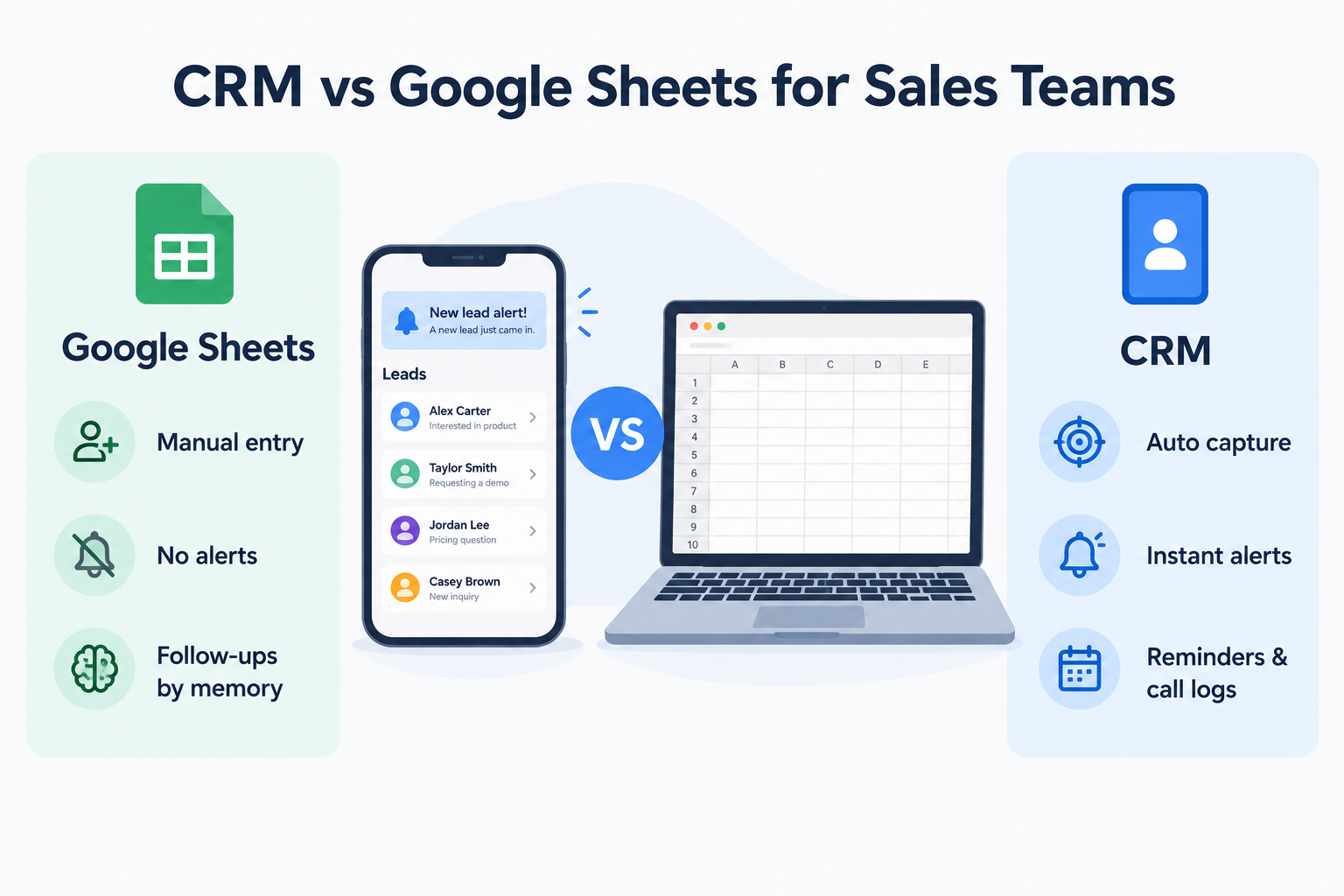
Almost every sales team starts in Google Sheets. It’s free, it’s shared, it updates in real time — and for a solo rep with a few leads a week, it genuinely works.
The problem arrives with scale. Leads come from Facebook, Instagram and Google. Three reps touch the same row. Follow-ups live in someone’s memory, and calls are logged only when someone remembers to type them.
This article compares a CRM with Google Sheets for sales teams — honestly, including where the sheet is still enough.
Quick Comparison
Where Google Sheets Is Genuinely Enough
Honesty first. A sheet is a reasonable choice when:
- You get a handful of enquiries a week from one or two sources.
- One person owns every lead, so there’s no assignment question.
- Your follow-up rhythm is simple enough to hold in your head.
- Nobody needs call logs, reminders or dashboards.
Google Sheets is free, flexible and familiar. If none of the failures below sound like your week, you may not need a CRM yet.

Where the Sheet Breaks Down for a Sales Team
1. Leads arrive faster than anyone can type them
A Google Sheet has no connection to Meta Lead Ads, Google lead forms or your website. Someone has to download, copy and paste every enquiry — hours after the customer raised their hand. Speed-to-lead dies in that gap. In Ridhzo, leads flow in automatically the moment a form is submitted.
2. Nothing tells a rep a lead just arrived
A new row is silent. Ridhzo fires a high-priority push notification to the assigned owner’s phone in seconds — the kind that gets answered in minutes, not tomorrow morning.
3. Three reps, one row, no truth
Sheets are built for editing, not for ownership. Rows get overwritten, statuses go stale, and “which version is current?” becomes a daily question. A CRM gives every lead exactly one owner, one history and one pipeline stage, visible to everyone.
4. Follow-ups depend on memory
The classic failure: “follow up Friday” in a cell, and nobody opens the sheet on Friday. Ridhzo follow-ups are dated reminders with a calendar and overdue escalation — and when an answered call syncs, the reminder completes itself.
5. Calls are invisible
In a sheet, call activity exists only if a rep types it. On Android, Ridhzo syncs incoming, outgoing and missed calls automatically with duration and timestamps, matches them to leads, and shows the lead’s name on screen when an active lead calls.
6. Automation means formulas
Sheet automation is something you build and maintain. Ridhzo automations are plain-language rules: WHEN a lead arrives, IF it matches your conditions, THEN assign it, message it, tag it or schedule a follow-up — plus WhatsApp and email drip sequences that run themselves.
7. Reporting is a project
Pivot tables fall to whoever has the patience. Ridhzo’s dashboards show first-response time, call answer rates, conversion, revenue by source and a rep leaderboard out of the box — so your Monday review takes minutes, not an afternoon.
How to Move Off the Sheet Without Losing Anything
- Export your sheet as CSV.
- Import it into the CRM (Ridhzo detects duplicates by phone or email).
- Give every active lead an owner and a stage.
- Set dated follow-ups for the leads you’ve been meaning to call.
- Connect your highest-volume source first and send a test enquiry end to end.
- Add assignment rules and one automation once the manual flow feels clear.
FAQs
Is Google Sheets bad for tracking leads? No — it’s limited. It stores data well, but it doesn’t capture, alert, remind, log calls, assign or automate. Those gaps are where team leads go cold.
What does a CRM cost compared to free sheets? Ridhzo has a Free forever plan (1 user, 300 leads, 1 source, 2 automations). Paid plans start at ₹249/month for 3 users; ₹449/month for unlimited users and leads. Prices exclude GST.
Can I import my existing Google Sheet leads? Yes — export to CSV and import. Duplicates are detected by phone or email.
Do all reps need to install something? Ridhzo runs as a native Android app and as a browser-installable PWA on Android and iOS, with offline sync and push alerts.
When should we stay on Sheets? Low volume, one channel, one owner, simple follow-ups — a sheet may genuinely be enough for now.
The Bottom Line
Google Sheets records what happened — after someone typed it in. A CRM moves the lead forward: it captures the enquiry the moment it happens, alerts the right rep, keeps the follow-up on schedule, logs the calls automatically, and shows the team what’s actually converting.
The sheet is a fine starting point. The moment leads come from multiple channels and multiple people handle them, the spreadsheet becomes the bottleneck — and that’s when a CRM like Ridhzo earns its keep.
Import your sheet and try the full workflow free — start with Ridhzo’s Free plan.