
A prospect shares their requirements through a form, asks about pricing on WhatsApp and later speaks to your salesperson.
Before the next follow-up, someone needs to review those interactions, update the lead record and decide what to say.
That preparation takes time. When enquiries build up, teams may skip the notes, repeat questions or send a message without checking what the prospect already said.
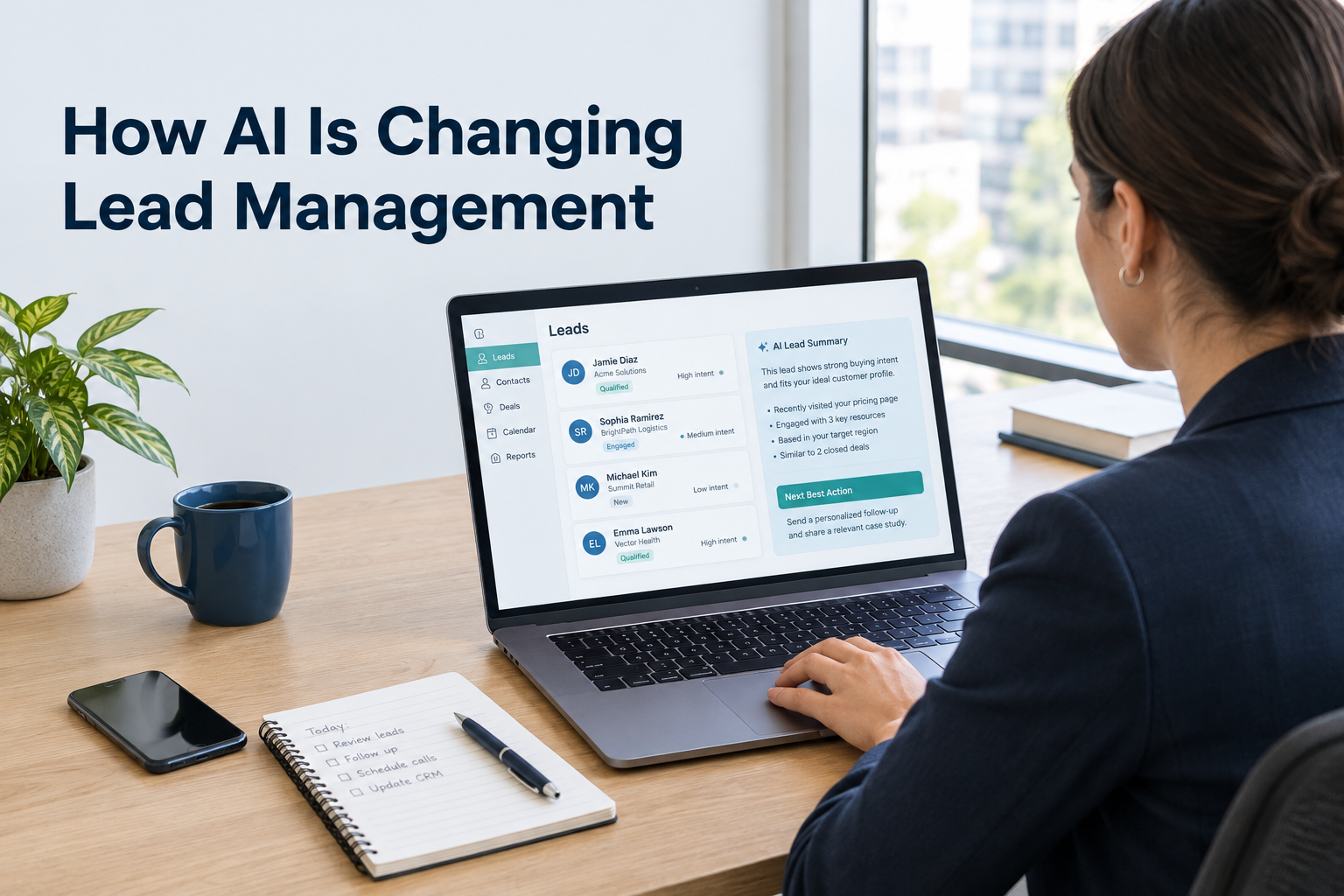
AI is changing lead management by helping sales teams work with the information they already have. It can summarise conversations, suggest record updates, prepare message drafts and recommend next steps.
For small businesses, its practical value is reducing the work around each conversation while keeping the salesperson responsible for the relationship.
This guide explains where AI can help, what still needs human judgement and how to introduce it into your lead management process.
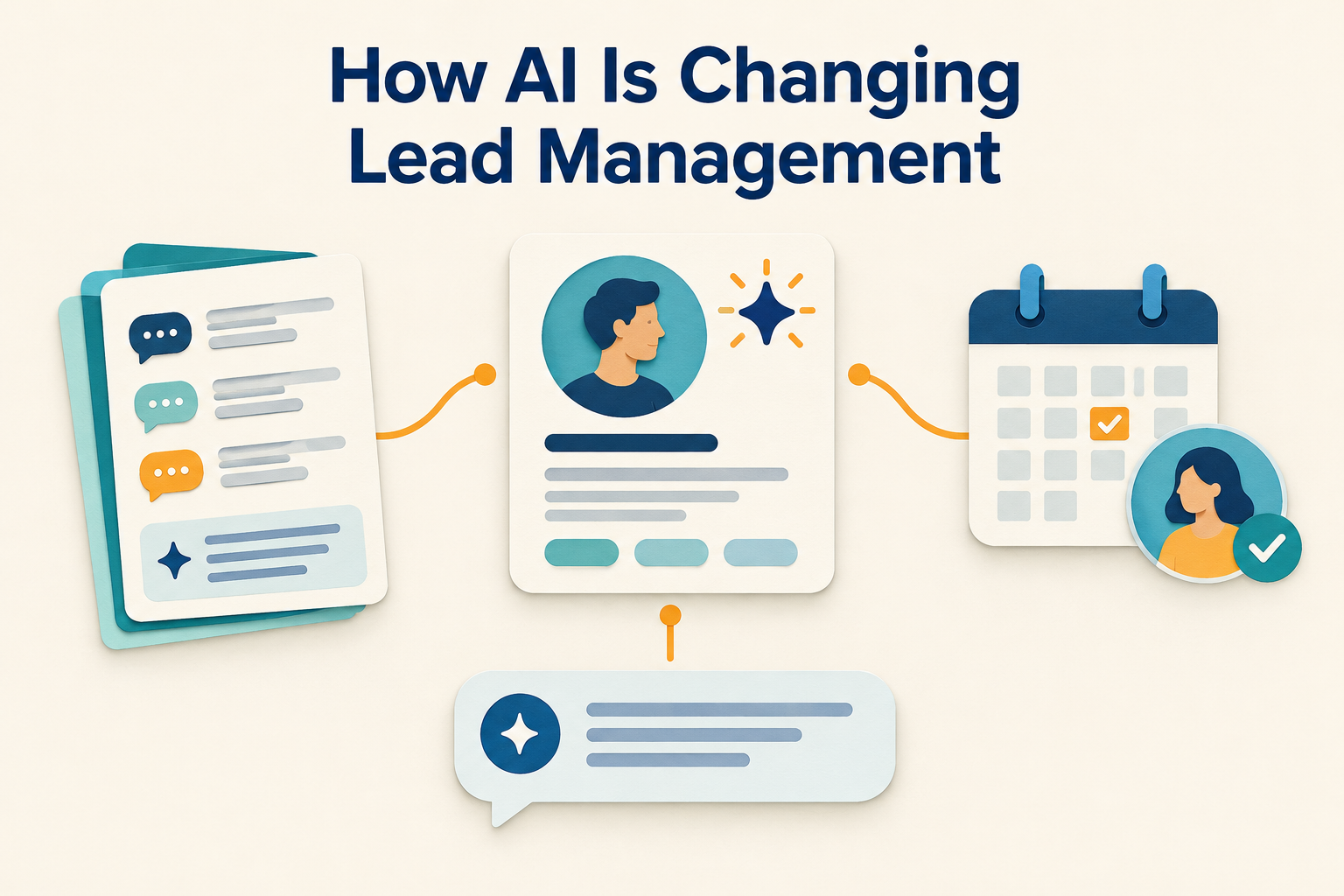
Table of Contents
ToggleWhat Is AI in Lead Management?
AI in lead management means using artificial intelligence to help interpret lead information and support sales tasks.
Depending on the software, it may help your team:
- Summarise a lead’s requirements and conversation history.
- Identify useful details in notes or messages.
- Suggest qualification questions.
- Draft personalised replies.
- Recommend a follow-up action.
- Organise incoming replies by intent.
These capabilities are different from basic lead storage. A CRM record holds information; AI can help a salesperson understand and act on that information.
However, AI needs useful context. If the record is incomplete or outdated, its suggestions may be incomplete or wrong.
For a broader explanation of the process, read What Is Lead Management?.
AI and Automation: What Is the Difference?
Automation follows rules you define. AI interprets information and generates suggestions or content.
For example, a rule-based workflow could assign a new enquiry to a salesperson and schedule a follow-up.
AI could then review the enquiry and previous interactions to draft a suitable opening message.
The two can work together, but they need different checks. With automation, test whether the trigger and action behave correctly. With AI, review whether the interpretation or draft is accurate and appropriate.
A reminder can run according to a fixed schedule. A customer-facing message needs attention to context, consent and any commitments it contains.
1. AI Helps Salespeople Understand Leads Faster
Lead information often sits across form answers, notes, call records and messages.
Before contacting someone, a salesperson needs to answer a few questions:
- What does this person want?
- What have we already discussed?
- What concerns have they raised?
- What did we promise to do next?
AI summaries can bring those details into a shorter brief.
Practical example
An interior design prospect has discussed a kitchen renovation, requested material options and said they want to begin after moving into their new home.
A useful summary would highlight the renovation scope, preferred timing, questions still unanswered and the latest agreed next step.
The salesperson can prepare for the conversation without starting from the beginning.
Still, a summary is a shortcut to the record. Check the original conversation before confirming a price, deadline or other important commitment.
2. AI Can Reduce Manual CRM Updates
After a conversation, the team needs to record what changed.
Perhaps the prospect shared a budget, clarified a location or requested a consultation. If these details remain buried in notes, they are harder to find and use.
AI can suggest structured field updates from information already recorded in the CRM.
For example, it might identify a stated budget in a conversation note and suggest adding it to the budget field. The salesperson can check the value before saving it.
This can make records easier to maintain, particularly when teams handle several conversations each day.
What to check before accepting an update
Make sure the suggested detail is explicit, current and attached to the right lead.
“Possibly next month” should not become a confirmed start date. An estimated budget should not become an agreed purchase value.
When information is uncertain, keep that uncertainty visible.
3. AI Supports More Consistent Qualification
Lead qualification means understanding whether your business can help and what needs to happen before the prospect can proceed.
Salespeople can miss important questions when they are busy or unfamiliar with a service.
AI guidance can suggest questions relevant to the lead’s current stage.
For a real estate enquiry, these might cover location preferences, budget and a suitable site-visit time. For a B2B service enquiry, they might cover scope, decision-makers and the approval process.
The salesperson should choose the questions that fit the conversation. Asking everything at once can make a useful enquiry feel like an interview.
AI scores and intent labels should also be treated as signals. A high score does not confirm that someone will buy, and a low score should not automatically exclude a genuine prospect.
4. AI Makes Follow-Up Drafting Easier
A useful follow-up refers to the prospect’s actual needs and offers a clear next step.
Writing that message takes more effort than sending “Any update?” to everyone.
AI can help prepare a draft using the lead’s requirements, previous questions and conversation history.
For example, if an education enquiry shows that someone is comparing weekend courses, a follow-up could say:
Hi Priya, you mentioned that weekend classes would suit your schedule. Would you like me to share the available weekend batches so you can compare the options?
This is an illustrative message. The team should confirm that the batches exist before sending it.
Review every customer-facing draft
Check the name, product details, prices, dates, tone and proposed next step.
Remove anything the business cannot confirm. If the prospect asked to be contacted later, honour that request instead of sending another message immediately.
AI can also help draft a follow-up sequence. Your team still needs to review the timing, channel and stopping conditions before using it.
See How to Build a 7-Day Lead Follow-Up Sequence for a practical approach.
5. AI Can Suggest the Next Action
An active lead needs more than a status. It needs a clear next step.
AI can review the record and suggest actions such as calling the prospect, sharing a brochure, scheduling a meeting or asking a qualification question.
This is useful when a salesperson opens a lead and needs to understand what should happen next.
However, a recommendation is only as useful as its context. If the latest conversation was not recorded, AI might suggest a call even though the prospect asked to receive information by email.
Before acting, check the most recent interaction and any agreed follow-up date.
A stronger process combines AI suggestions with the basics of tracking leads from enquiry to sale: ownership, clear stages, conversation history and dated next actions.
6. AI Helps Teams Continue Conversations During Handovers
When a salesperson is away, another colleague may need to take over their leads.
Without a useful record, the replacement has to search through activities or ask the customer to repeat information.
An AI summary can provide a starting point by bringing together requirements, current status, previous concerns and recent interactions.
The new owner should then confirm the latest commitment and check whether a follow-up is already scheduled.
AI makes the history easier to review. The team still needs to keep that history accurate.
What AI Cannot Fix on Its Own
AI cannot compensate for every weakness in a sales process.
If enquiries have no owner, the team still needs an assignment process. If the offer does not match the prospect’s needs, a better-written message will not solve that mismatch.
Common problems to address first include:
- Missing or incorrect contact details.
- Conversations happening outside the shared record.
- Unclear pipeline stages.
- Active leads without a dated next action.
- Inaccurate product information.
- Follow-ups continuing after someone asks to stop.
AI can make an organised workflow easier to run. Introducing it before these basics are clear may simply create more suggestions for the team to sort through.
How to Start Using AI in Lead Management
Step 1: Choose One Repetitive Task
Start with a task the team performs often, such as preparing for calls or writing follow-up drafts.
Avoid changing the whole sales workflow at once. A narrow starting point makes it easier to check usefulness and accuracy.
Step 2: Improve the Lead Context
Record the lead’s source, requirements, current stage, owner and next action.
Keep conversation notes specific. “Interested” provides less context than “Asked for a consultation next week and wants to compare two service packages.”
Make sure the business information used by AI is also accurate, including products, pricing guidance and communication tone.
Step 3: Define What Requires Review
Set clear expectations for your team.
Customer-facing messages should be checked before sending. Suggested fields and stage changes should be confirmed against the record. Important commercial commitments need verification.
The salesperson remains responsible for what is saved and communicated.
Step 4: Test With a Small Set of Leads
Use AI on a manageable group of active enquiries.
Check whether summaries capture the important details, drafts reflect the conversation and recommendations respect the prospect’s preferences.
Record recurring mistakes so you can improve the context or adjust how the team uses the feature.
Step 5: Measure Practical Improvements
Look beyond how many AI drafts were generated.
Useful measures include preparation time, corrections needed, completeness of lead records and whether active opportunities have clear next actions.
You can also review response time, overdue follow-ups and meaningful conversations. Avoid attributing every change in sales results to AI alone.
How Ridhzo Uses AI in Lead Management
Ridhzo’s documented AI features support lead preparation, record updates, follow-up drafting and sales guidance.
Its AI uses business profile information alongside lead fields, form answers, status history and recorded activities. This gives suggestions context about both the business and the prospect.
Lead Summaries and Pre-Call Briefs
Ridhzo can generate a lead summary covering requirements, conversation history and current status.
Its Pre-Call Brief also brings together information such as stated budget and previous objections, with suggested opening lines and talking points.
These features help a salesperson prepare before contacting a lead.
Suggested Fields, Statuses and Next Steps
Ridhzo offers AI suggestions for missing field values, status transitions and follow-up actions.
The salesperson can review suggestions and apply updates. Mobile users can also review recommendations and apply supported field or status changes from their phone.
One-click AI suggestions are documented for paid plans.
Reply Drafts and Follow-Up Sequences
Ridhzo can draft WhatsApp and email replies using lead context. It can also generate a proposed multi-step follow-up sequence from a described goal.
Ridhzo’s AI does not send customer messages without human approval. Drafts remain subject to the user’s review.
Check every draft against your actual products, availability and commitments before approving it.
AI Assistant and Stage Guidance
Ridhzo’s AI Assistant supports tasks such as searching leads, reading their details, changing statuses, setting reminders, assigning owners and drafting messages.
Status Playbooks provide stage-specific qualification questions, objection-handling guidance and milestones for progressing a lead.
Paid plans also include AI auto-tagging of incoming replies by intent, such as price queries or callback requests.
AI usage is subject to the plan’s monthly credit allowance, so check feature access and usage limits when choosing your setup.
Example: An AI-Assisted Interior Design Follow-Up
Consider a prospect who asks about renovating a kitchen.
The salesperson records the enquiry, assigns an owner and saves notes from the first conversation. The prospect wants to discuss material choices before arranging a consultation.
Before following up, the salesperson reviews an AI-generated brief. It highlights the project requirements and the outstanding material question.
AI then helps draft a message offering to share relevant options. The salesperson checks the details, edits the wording and approves the message.
After the prospect replies, the salesperson updates the record and schedules the agreed next action.
The intended outcome is a better-prepared conversation with less repetitive administration. Whether the enquiry becomes a sale still depends on the customer’s needs, the business’s offer and the team’s execution.
Frequently Asked Questions
Can AI replace a salesperson?
AI can support preparation, drafting and record maintenance. Salespeople still need to understand requirements, verify information, handle sensitive conversations and make commitments responsibly.
Is AI lead management useful for small businesses?
It can be useful when reviewing histories, writing follow-ups or updating records takes significant time. Start with one task and assess whether the output reduces work without creating extra corrections.
Does AI automatically qualify leads?
Some tools can suggest intent labels, scores or qualification questions. Your team should verify suitability through the actual enquiry and conversation rather than relying on an AI label alone.
Can AI write personalised follow-ups?
Yes, when the tool has relevant lead context. The draft should still be reviewed for accuracy, tone, consent and the prospect’s latest request.
What should I check before using an AI CRM?
Check the information it uses, available features, approval controls, mobile workflow and usage limits. Also review the provider’s data-handling terms before using sensitive customer information.
Does Ridhzo support AI lead management?
Yes. Its documented capabilities include lead summaries, pre-call briefs, reply drafts, sequence generation, next-action guidance and an AI Assistant. Some features require a paid plan, and AI usage is subject to credit allowances.
Start With One Useful AI Task
Choose a repetitive part of your lead process, such as preparing for calls or drafting follow-ups. Keep the lead information current, review the output and measure whether it helps your team.
If you use Ridhzo, start by generating a summary or reply draft for an active lead. Compare it with the original record before making it part of your daily workflow.