
A salesperson calls a new enquiry in the morning. The prospect does not answer. Later, the prospect calls back, discusses their requirements and asks for a quotation.
By the next day, the team needs to know more than whether a call happened. Who spoke to the prospect? What did they discuss? Was the quotation sent? When should someone follow up?
Sales call tracking helps keep that information connected to the sales opportunity.
This guide explains what sales call tracking means, what to record and how small businesses can use it to organise conversations and follow-ups.
What Does Sales Call Tracking Mean?
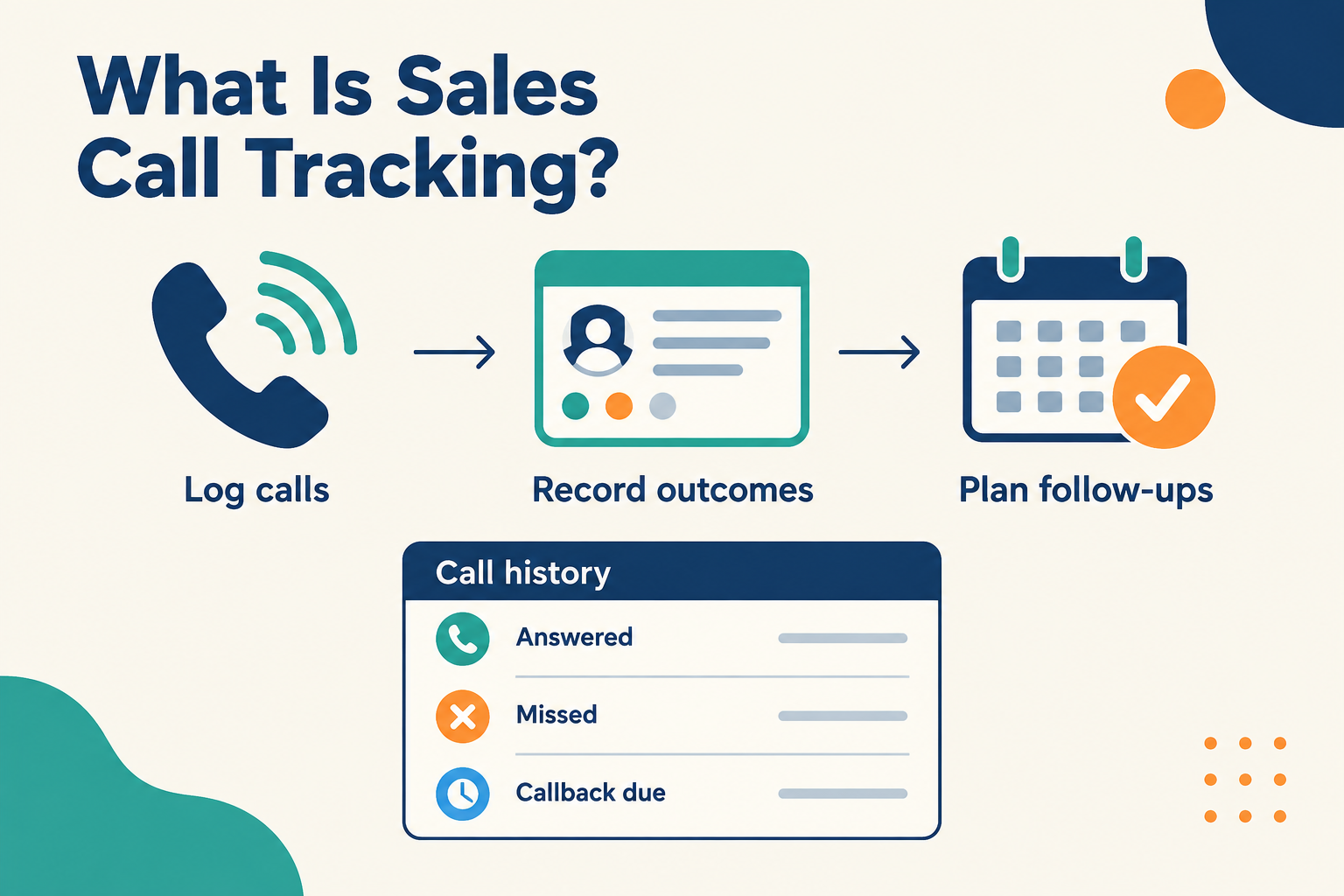
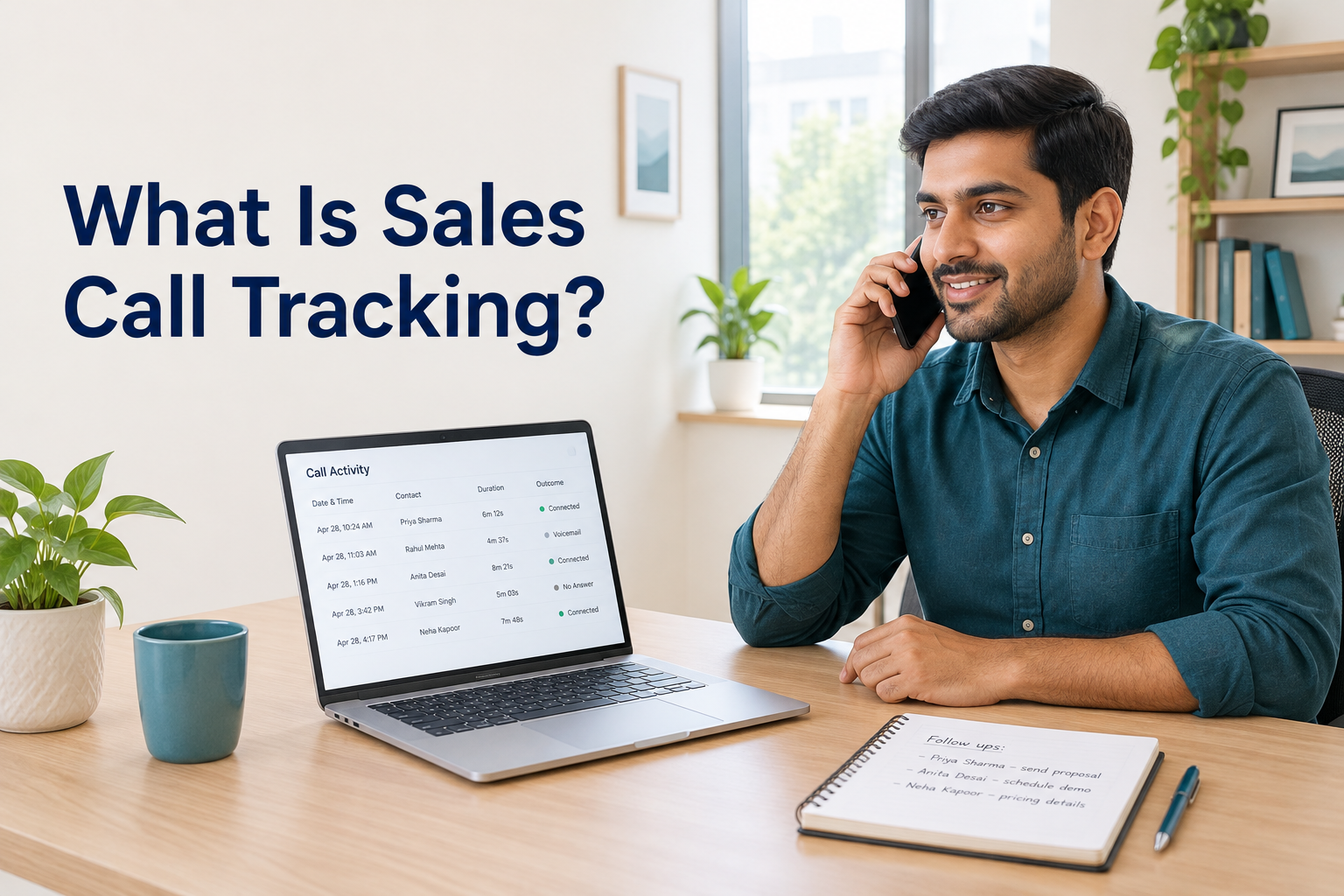
Sales call tracking is the process of recording sales-related phone activity and connecting it to the relevant lead or customer record. It helps a team see when calls happened, who handled them, what the outcome was and what should happen next.
A basic call log might include the phone number, call time, direction and duration. A useful sales record adds the context: requirements, questions, decisions and an agreed next step.
For example, an education counsellor calls someone who enquired about a course. The prospect answers, asks about weekend classes and requests the fee details.
The call record should help the team understand:
- Who handled the conversation.
- When the call took place.
- Whether the prospect answered.
- What the prospect wanted to know.
- What the counsellor promised to send.
- When the next contact is due.
That information becomes part of the wider lead management process.
Sales Call Tracking vs. Marketing Call Tracking
The term “call tracking” can describe different workflows.
Marketing call tracking focuses on identifying which campaign, advertisement or website visit generated a phone enquiry. Some tools use dedicated tracking numbers to help attribute calls to marketing sources.
Sales call tracking focuses on what happens during the sales process: contact attempts, conversations, outcomes and follow-ups.
A business may need both. However, a CRM that logs sales calls does not automatically provide campaign attribution through tracking numbers.
Sales Call Tracking vs. Call Recording
Call tracking records information about a call. Call recording captures its audio.
A record showing “outgoing call, answered, four minutes” is a call log. Listening to the conversation requires a separate recording capability.
Do not assume that a product records audio simply because it tracks calls. Recording availability, device support and consent requirements need separate checks.
Why Is Sales Call Tracking Useful?
When sales conversations happen on individual phones, the history can become difficult to share. A phone’s recent-call list shows activity, but it rarely explains the sales opportunity.
Keep Previous Conversations Visible
If a prospect calls while their usual salesperson is unavailable, another team member needs enough context to help.
A shared record can show that the prospect already discussed their budget, received a quotation and is waiting for a revised option. This reduces the need to ask the same questions again.
Separate Attempts From Conversations
An outgoing call does not prove that the team reached the prospect.
Tracking answered, unanswered and missed calls helps distinguish outreach activity from actual contact. Notes then explain whether an answered call produced a useful discussion.
Give Follow-Ups a Clear Reason
“Call again” is a weak reminder.
“Call on Thursday after the prospect reviews the installation estimate” gives the salesperson context and a purpose.
Call tracking becomes more useful when every relevant conversation leads to a dated next action.
Help Managers Identify Gaps
A manager can review whether new enquiries received an attempt, whether callbacks remain outstanding and whether conversations have clear outcomes.
The purpose should be to improve how enquiries are handled. Call totals alone provide an incomplete picture of sales performance.
What Should You Record for Each Sales Call?
Keep the record simple enough for the team to maintain consistently.
Separate the connection result from the sales outcome.
“Answered” describes the call connection. “Requested a revised quote” describes sales progress. Both are useful, but they answer different questions.
A good note might read:
Discussed a rooftop solar installation. Prospect will share their electricity bill tomorrow. Prepare an estimate after receiving it, then call Friday afternoon as agreed.
Avoid storing unnecessary personal or sensitive details.
How Does Sales Call Tracking Work?
The method depends on the software and the devices your team uses.
Manual Call Logging
The salesperson records the call after making or receiving it.
This can work for a small team with low activity, but it relies on consistent updates. Details become easier to forget when logging is delayed until the end of the day.
Automatic Call Logging
Supported software captures call details through a device or connected phone system and adds them to a sales record.
The available information varies by setup. It may include the phone number, timestamp, direction and duration.
Automatic logging reduces repetitive entry. Your salesperson still needs to record information the log cannot explain, such as the prospect’s requirements and agreed next step.
Connecting Calls to a CRM Record
When calls appear alongside the lead’s other activity, the team can review the conversation in context.
For example, a salesperson can see that an enquiry arrived on Monday, received a call that afternoon and progressed to a quotation on Tuesday.
This supports a connected process for tracking leads from enquiry to sale.
How to Set Up a Practical Sales Call Tracking Process
1. Keep Lead Records in One Place
Create or capture the lead record before outreach where possible.
Include the contact number, enquiry source, requirement and owner. Use a consistent phone-number format and check for duplicate records.
A call log is less useful when the same prospect appears in several disconnected records.
2. Define Simple Call Outcomes
Choose a small set your team understands. For example:
- No answer.
- Callback requested.
- Requirement discussed.
- Meeting arranged.
- Quotation requested.
- Not interested.
- Incorrect number.
These are example labels to adapt to your process. Keep outcomes specific enough to guide the next action.
3. Record Context Immediately After the Call
A short, useful note is better than a long account written from memory.
Ask the salesperson to capture three things:
What did we learn? What did we promise? What happens next?
For example:
Needs a two-bedroom apartment near the metro. Requested two options within the discussed budget. Send details today and call Saturday morning.
4. Schedule the Next Action
If the opportunity is still active, give it a next action with an owner and a due date.
That action may be sending information, arranging a visit or calling again. Match the timing to the prospect’s preference and buying process.
For unanswered enquiries, use a sensible lead follow-up sequence and stop when the prospect asks you to.
5. Review Exceptions Each Day
Focus daily reviews on enquiries that need attention:
- New leads without a contact attempt.
- Missed calls that still need a callback.
- Conversations without notes or next steps.
- Overdue follow-ups.
- Repeated attempts without a response.
Resolve the next action rather than simply asking the team to make more calls.
How Ridhzo Supports Sales Call Tracking
Ridhzo’s native Android app supports automatic device call syncing. This is relevant for teams that make and receive sales calls from their Android phones.
Automatic Android Call Logs
With the required permissions enabled, the native Android app syncs incoming, outgoing and missed calls in the background.
The captured information includes phone numbers, timestamps, call direction and talk duration. Phone-number matching connects call activity to lead records.
Call notes and outcomes add the context needed to understand the conversation.
Follow-Up Handling Based on Answered Calls
Ridhzo documents different behaviour for answered and unanswered calls:
- Answered calls: Completed incoming or outgoing calls automatically mark matching pending follow-ups for the lead as completed.
- Unanswered or missed calls: The attempt is recorded, while the follow-up remains open.
After an answered call, the salesperson should still review what happens next. A completed call does not necessarily mean the opportunity is finished.
If the prospect asks for a callback next week, create the next follow-up accordingly.
Caller Identification
Ridhzo’s Android caller ID feature uses lead information to identify incoming callers. The documented caller context includes the lead’s name, deal stage and requirements.
This helps the salesperson understand who is calling before answering.
Android and iPhone Availability
Ridhzo offers a native Android app and a browser-installable progressive web app for Android and iPhone.
Automatic device call syncing is documented for the native Android app. Do not assume that installing the browser-based app on an iPhone provides the same call-log access.
The Android setup requires call-log permission for automatic syncing and phone-state permission for incoming caller detection.
Example: Tracking Calls for an Interior Design Enquiry
Consider this illustrative workflow.
A homeowner asks an interior design business about renovating a kitchen. The enquiry is assigned to a salesperson.
The salesperson calls, but the homeowner does not answer. The attempt is recorded, and the follow-up remains open.
The homeowner calls back later. During the conversation, the salesperson learns the approximate budget, layout concerns and preferred project timing.
After the call, the salesperson adds a short note and schedules the next action:
Send two relevant kitchen examples today. Call tomorrow at 5 p.m. to discuss a consultation.
When the team reviews the lead, it can distinguish the first unanswered attempt from the later conversation and see the outstanding commitment.
The intended outcome is a clear record that helps the team continue the sale without relying on memory.
Which Sales Call Metrics Should You Track?
Start with measures that help you make decisions. These are recommended metrics to evaluate; their availability as built-in reports varies by CRM.
Time to First Call Attempt
Measure the time between the enquiry arriving and the first call attempt.
This is useful when calling is your planned first response. If the team responds through other channels, include those separately when reviewing speed-to-lead.
Connection Rate
Track how many call attempts result in someone answering.
Define how you handle voicemail and repeated attempts. An answered connection does not always mean a meaningful sales conversation.
Meaningful Conversations
Track conversations where the team learns something useful or agrees on a next step.
This normally requires notes or an outcome, because duration alone cannot establish conversation quality.
Callback and Follow-Up Completion
Review whether promised callbacks happen when agreed and whether overdue actions are increasing.
This is more actionable than looking only at the total number of calls.
Progress After Conversations
Review whether conversations lead to relevant next steps, such as consultations, quotations or decisions.
Compare similar types of leads over a suitable period. Different sources and sales stages can require very different levels of calling.
Common Sales Call Tracking Mistakes
Measuring Success Only by Call Count
A high number of calls can reflect effort, repeated unanswered attempts or poor contact information.
Review call volume alongside connection results, conversation quality and opportunity progress.
Using Duration as a Quality Score
A long call may be productive, confused or unrelated to the buying decision. A short call may confirm a purchase.
Use duration as context alongside notes and outcomes.
Assuming Automatic Logging Captures Everything
A timestamp cannot explain a pricing concern or a promised quotation.
Make brief notes and next actions part of the calling routine.
Ignoring Device Compatibility
Test the actual phones your team uses before rolling out automatic tracking.
Check permissions, lead matching and whether expected calls appear correctly in the activity history.
Overlooking Privacy
Explain to staff what information is captured and why. Review how personal calls are handled when people use their own phones, and limit access to those who need it.
If audio recording is involved, check applicable consent and privacy requirements separately.
Frequently Asked Questions
What is sales call tracking in simple terms?
Sales call tracking means keeping a record of calls with prospects, including when they happened, what the outcome was and what needs to happen next.
Is sales call tracking the same as call recording?
No. Tracking stores call details and sales context. Recording captures the audio. A tool may support call tracking without recording conversations.
Can sales calls be tracked automatically?
Yes, depending on the software, phone system, device and permissions. Automatic tracking can capture call details, while the salesperson adds conversation notes and next steps.
Does a missed call count as contacting a lead?
It counts as a contact attempt or an incoming missed call, depending on the direction. It does not count as a two-way conversation.
Does Ridhzo track calls on Android?
Ridhzo’s native Android app supports automatic syncing of incoming, outgoing and missed calls, including timestamps and talk duration, with the required permissions.
Does Ridhzo provide the same automatic call syncing on iPhone?
Ridhzo has a browser-installable app for iPhone, but automatic device call syncing is documented for its native Android app. The two should not be treated as having identical call-tracking capabilities.
Make Every Sales Call Easier to Follow Up
Start with a simple standard: each sales call should leave enough information for the team to understand what happened and what comes next.
If your team sells from Android phones, explore Ridhzo’s native Android call syncing using a sample lead. Check that the call appears against the correct record, add the conversation context and schedule the next action.