
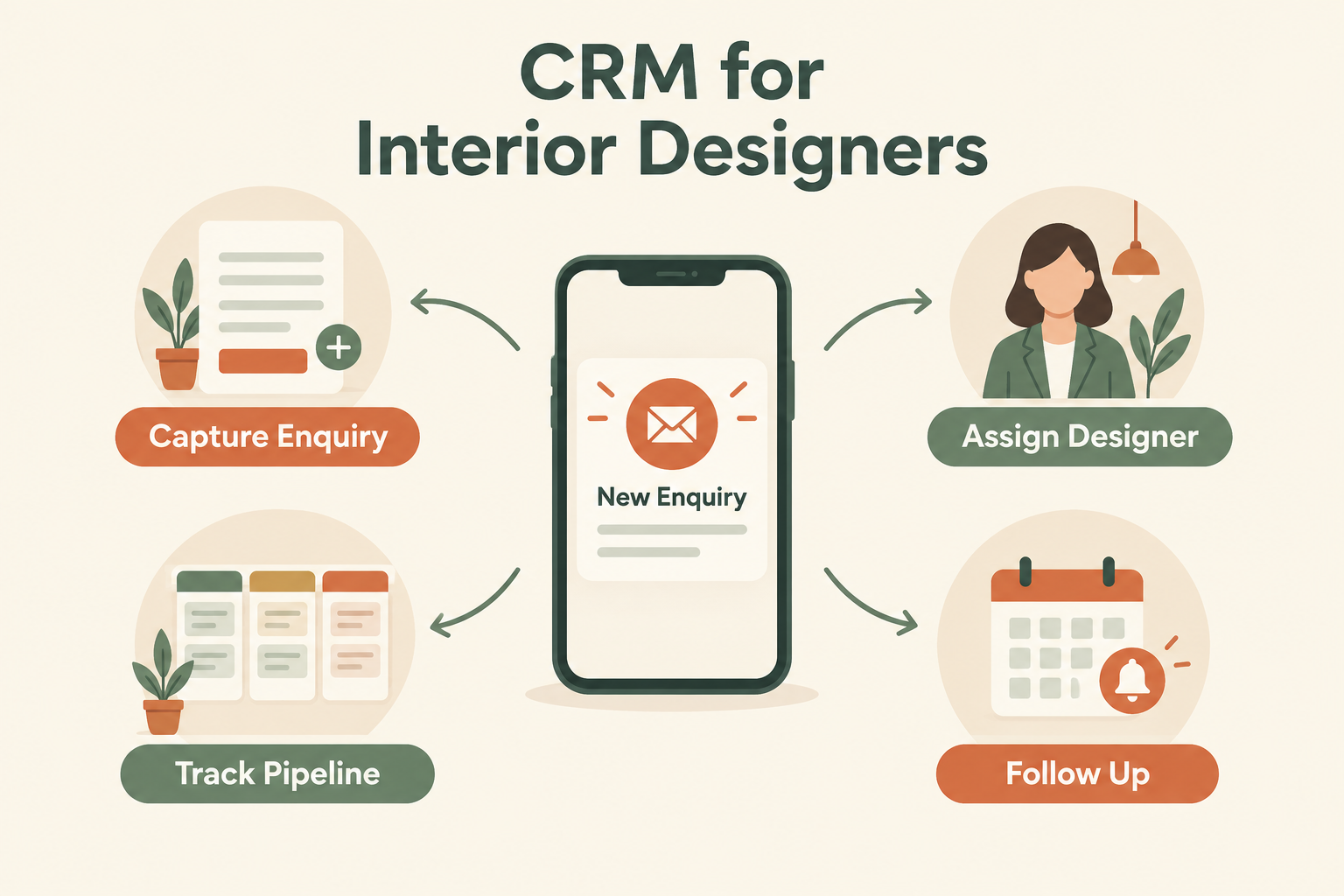
Interior design is a relationship business sold through a sales process most studios never formalise. An enquiry arrives from an Instagram ad, a Google search, a referral or Houzz, and it lands in a WhatsApp chat, a DM or an email forwarded to whichever designer is free. Weeks later, nobody can say which enquiries are still warm, who promised to send a quote, or which one quietly went to a competitor.
This guide explains what a CRM needs to do for an interior design business, how to evaluate options, and a practical setup for a small studio.

Why Interior Design Teams Struggle With Lead Management
Interior design enquiries have a specific shape that generic systems handle poorly:
- Long decision cycles. A renovation enquiry can take weeks or months from first contact to signing. Interest needs careful, patient follow-up — which is exactly what busy teams forget.
- Qualification matters enormously. Budget, scope, property type, possession date and city determine whether an enquiry is worth a consultation at all. Yet these details usually live in chat history, not in a record.
- Enquiries arrive from everywhere. Meta lead ads, Google lead forms, website contact forms, DMs, WhatsApp and referrals — often in the same week.
- Projects and leads overlap. While one designer is executing a handover, another enquiry is going cold because everyone assumed someone else called.
A CRM doesn’t design anything for you. It keeps the business side — who contacted us, who owns the conversation, what happens next and when — connected and visible.
What a Lead Looks Like in Interior Design
A typical enquiry journey:
- Enquiry: A homeowner submits a form asking about a two-bedroom apartment or a kitchen renovation.
- First contact: A designer calls or messages, ideally the same day while interest is highest.
- Qualification: Property location, scope, budget range, possession date and timeline — recorded on the lead, not in someone’s memory.
- Consultation: A call, studio visit or site visit for suitable prospects.
- Proposal: Requirements recorded, estimate or concept proposal shared, a reconnect date agreed.
- Decision: Won (project begins), lost to another firm, or deferred until a later date.
A useful CRM carries all six steps with clear ownership at every one.
What to Look For in an Interior Design CRM
Lead capture from your actual sources. If enquiries come from Meta Lead Ads, Google Lead Form Ads, your website form and WhatsApp, your CRM should accept all of them without copy-paste. Check exactly which sources each tool supports before committing. Clear ownership. Every enquiry should be assigned to one person the moment it arrives. Round-robin and capacity-based routing prevent the “I thought you called them” problem. Mobile-first, not desktop-shrunk. Designers spend most of the day away from a desk — on site, in material markets, at client homes. Calling, messaging, checking follow-ups and updating a lead should work one-handed on a phone. One-tap WhatsApp. Most clients prefer WhatsApp. A good CRM lets you open a conversation from the lead record, and — if you use the WhatsApp Business API — record incoming replies on the timeline automatically. A pipeline that mirrors your workflow. Something like: New → Contacted → Consultation Scheduled → Proposal Sent → Won or Lost
Look for custom stages, because studios differ. Some need “Site Visit Done” or “Budget Pending” as distinct steps.
Follow-up reminders. The single most valuable feature for long decision cycles. If the client says “reconnect after Diwali,” that needs a dated reminder attached to the lead — not a mental note. Call tracking. Automatic logging of calls with timestamps and duration, so the record reflects reality even when the designer forgets to type notes. Reporting by source. Knowing whether Instagram leads or Google leads actually convert to signed projects changes where you spend the next ad budget.
A Practical Setup for a Small Studio
Consider a five-person studio receiving enquiries from ads, the website and referrals.
The problem before
Enquiries get forwarded to individual designers. Some receive a call; others sit in chat threads. The principal cannot see which prospects are waiting for a proposal, and the studio discovers lost deals only when the client has already signed elsewhere.
The workflow
- Record every enquiry and its source in one system.
- Auto-assign each lead to a designer.
- Confirm location, scope, budget range and timeline during first contact.
- Schedule a consultation for suitable prospects.
- Record consultation notes and share the proposal.
- Set a dated follow-up for the agreed reconnect time.
- Close as won, lost or deferred — with a recorded reason.
How Ridhzo supports this
Ridhzo is a mobile-first lead CRM built around exactly this flow:
- Capture: Facebook and Instagram Lead Ads, Google Lead Form Ads, website forms, hosted forms, webhooks and CSV imports, plus manual entry.
- Assignment: Round-robin, capacity-based routing and team rules, so new enquiries reach a responsible designer automatically.
- Pipeline: Custom statuses and a visual pipeline board — your stages, your terminology.
- Contact: One-tap WhatsApp, call and email from the lead record.
- Calls: The native Android app syncs incoming, outgoing and missed calls automatically, with timestamps and talk duration; answered calls can complete matching pending follow-ups.
- Follow-ups: Dated reminders on every lead, with mobile alerts so nothing waits for someone to “check the sheet.”
- Automation: WHEN → IF → THEN workflows — for example, auto-assigning new enquiries, updating statuses and scheduling first follow-ups.
- AI assistance: Lead summaries and pre-call briefs so any designer can pick up a conversation with full context.
- Reporting: Pipeline, dashboards and insights by source, salesperson and stage, including call metrics and win/loss information.
This is an illustrative workflow — the outcome is a more organised process with visible ownership and next steps, not a guaranteed result. Actual conversion depends on your portfolio, pricing and follow-through.
Common Mistakes Interior Design Teams Make
Treating the DM inbox as a lead list. Unread messages are not a workflow. Enquiries need an owner, a status and a next action. Qualifying only in your head. If budget and scope aren’t written on the record, the next conversation starts from zero — and sometimes with the wrong designer. Sending a proposal with no dated follow-up. A proposal without a reconnect date is a hope, not a step. Updating the stage without recording context. “Proposal Sent” is more useful with what was discussed, what the client hesitated on, and when to reconnect. Leaving old enquiries open indefinitely. Record won, lost or deferred. A clean pipeline shows real opportunity, not nostalgia. Buying desktop-first software. If the mobile experience is a stripped-down companion app, your team simply won’t use it — and an unused CRM is worse than a spreadsheet.
Frequently Asked Questions
Do interior designers really need a CRM, or is a spreadsheet enough?
A spreadsheet works while enquiries are few and one person owns them. It breaks down with multiple designers, multiple enquiry channels and weeks-long decisions — the moment keeping records, reminders and ownership connected takes more manual effort than the work itself.
Should the CRM track projects after the contract is signed?
A lead-focused CRM concentrates on enquiries, conversations, follow-ups and conversion. Studio project management (BOQs, vendor coordination, site schedules) is a different job. Many small studios run a lead CRM for sales and a project tool for execution.
Can I use WhatsApp through the CRM?
Ridhzo supports two modes: personal WhatsApp mode opens a prepared message for manual sending, while WhatsApp Business API mode sends messages from within the system, records replies on the lead timeline and supports automated sequences. Automated WhatsApp workflows require the API connection.
How fast should we respond to an interior design enquiry?
Fast — ideally within minutes while the homeowner is still actively comparing firms. Speed-to-lead is often the cheapest competitive advantage a studio has.
What should we measure?
First personal response time, overdue follow-ups, stage conversion (enquiry → consultation → proposal → won), and outcomes by source — so ad spend follows the channels that produce projects, not just enquiries.
Getting Started
Start smaller than feels satisfying: connect one enquiry source, define your pipeline stages, assign ownership for every lead, and set dated follow-ups. Add automation only once the manual process works.
If you want a mobile-first setup that fits this flow, Ridhzo supports lead capture, automatic assignment, WhatsApp, call syncing, follow-up reminders and WHEN → IF → THEN automations out of the box.