
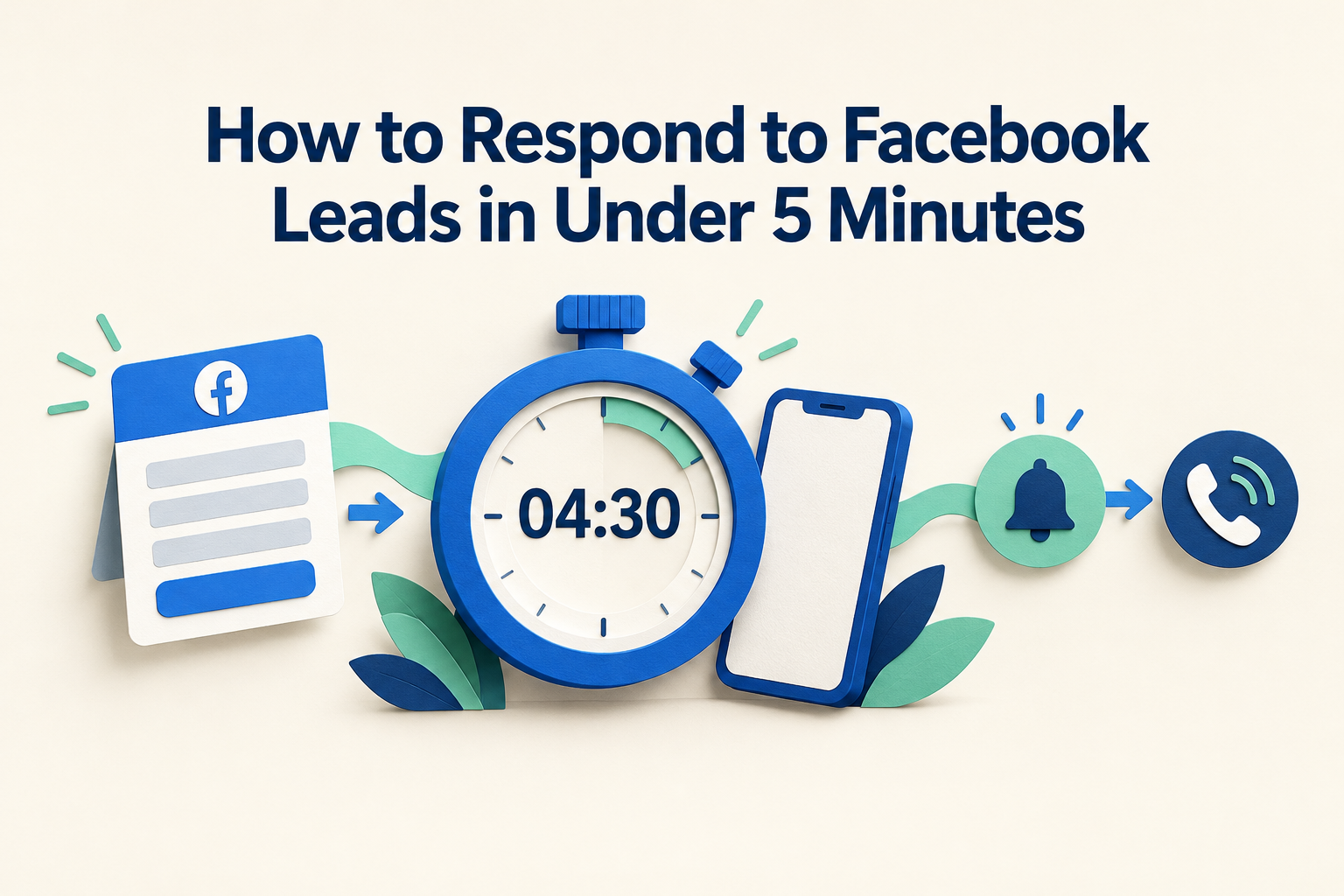
A potential customer submits your Facebook enquiry form. The lead sits unnoticed while your team checks messages, handles calls or waits for someone to download a spreadsheet.
By the time a salesperson responds, the customer may be busy or struggling to remember the offer.
To respond to Facebook leads in under five minutes, connect your lead forms to a shared CRM, assign each enquiry to one person and send that person an actionable mobile alert. Prepare a short opening message so they can respond after quickly reviewing the enquiry.
Use five minutes as an operating target during staffed business hours. It is a useful goal for quote, consultation and callback requests, rather than a guaranteed route to a sale.
Here is how to build a process your team can follow.
Table of Contents
ToggleWhat Counts as a Five-Minute Response?
Measure the time from the Facebook form submission to the first personal contact attempt.
Keep these events separate:
- Automatic acknowledgement: A system confirms that the enquiry arrived.
- Personal contact attempt: A salesperson calls or sends a relevant, personalised message.
- Two-way conversation: The customer answers or replies.
For example, a lead submitted at 11:00 a.m. receives an automatic acknowledgement immediately. A salesperson calls at 11:03 a.m., and the customer returns the call at 11:20 a.m.
The first personal contact attempt happened within three minutes. The conversation started after 20 minutes.
This distinction keeps your speed-to-lead measurement useful. An automatic message alone should not make an unattended enquiry look handled.
1. Capture Facebook Leads Automatically
A five-minute response target is difficult to maintain if someone has to download leads and distribute them manually.
Connect your Facebook Instant Forms to the system your sales team uses throughout the day. Each enquiry should arrive with enough information to start a relevant conversation.
At minimum, check for:
- Name and contact details.
- Product or service requested.
- Answers to qualifying questions.
- Lead source and submission time.
Ridhzo supports direct capture from Facebook and Instagram Lead Ads, helping teams receive enquiries without routine CSV downloads.
Check each enquiry route separately. Connecting Facebook Instant Forms does not establish that website forms, Messenger conversations or click-to-WhatsApp enquiries are also covered.
Before relying on the connection, submit a test lead and confirm that it reaches the correct place.
2. Assign One Owner Immediately
A notification to a group can leave everyone assuming someone else will call.
Give every lead one responsible salesperson. Decide who covers new enquiries when that person is in a meeting, on leave or already handling a customer.
Choose an assignment approach that fits your team:
| Team situation | Practical assignment approach |
|---|---|
| Reps handle similar enquiries | Rotate leads between reps |
| Different branches handle different locations | Assign by territory or team |
| Campaigns promote different services | Assign by source or service |
| Some reps have heavier workloads | Consider available capacity |
Ridhzo supports round-robin, team-based, capacity-based, per-source and automation-based assignment. Assignments are recorded on the lead timeline and notify the new owner.
Do not assume that an active user is available at that moment. Working hours and backup coverage still need an agreed team process.
For a smaller team, the arrangement can be simple: one person handles incoming enquiries for a defined shift, with a named backup.
3. Make the Alert Easy to Act On
The salesperson should be able to open the enquiry directly from the alert.
An email buried in a busy inbox adds another place to check. A mobile notification is more useful when your team spends much of the day away from a desk.
Ridhzo supports mobile push notifications that open the relevant lead profile when tapped, alongside in-app alerts and optional email notifications.
Test the full experience on the devices your team actually uses:
- Submit a Facebook test lead.
- Confirm who receives it.
- Check that the notification is noticeable.
- Tap it and open the lead.
- Confirm that the salesperson can access the details needed to respond.
Check notification permissions and connectivity if alerts are delayed. A connected form is only one part of a working response process.
4. Prepare a Short First-Response Script
Templates help your team avoid writing every opening message from scratch.
The first response should identify your business, refer to the actual enquiry and offer a clear next step.
First-call script
“Hi Meera, this is Arjun from Oak Interiors. You enquired through our Facebook ad about a kitchen renovation. Is now a good time for a quick conversation about what you have in mind?”
Use the form answers when they are relevant. If the customer already selected a location or service, acknowledge it rather than immediately asking them to repeat it.
Message after an unanswered call
Where messaging is appropriate and permitted:
“Hi Meera, Arjun here from Oak Interiors. I just called about your kitchen renovation enquiry on Facebook. Would a quick call this afternoon suit you, or would you prefer to share your requirements here?”
When the form asks for a preferred callback time
“Hi Meera, thanks for your enquiry about a kitchen renovation. Arjun here from Oak Interiors. I’ve noted your preferred callback time of 6 p.m. and will contact you then.”
Respecting the requested time takes priority over making an immediate call just to meet a metric.
Avoid sending a long brochure and several qualifying questions before establishing what the person needs. The first response should make replying easy.
5. Give Each Part of the Five Minutes a Purpose
Use this as a suggested workflow, rather than a promise that every enquiry will follow an exact timetable.
| Time after submission | What should happen |
|---|---|
| First minute | Capture the enquiry, assign an owner and deliver an alert |
| Minutes 1–2 | Owner reviews the offer, form answers and contact preferences |
| Minutes 2–4 | Owner makes a relevant personal contact attempt |
| By minute 5 | Record the attempt and set the next action if needed |
For example, an education counsellor receives a course enquiry at 2:10 p.m. She opens the notification, sees the selected course and preferred intake, and calls at 2:13 p.m.
If the student does not answer, she records the attempt and schedules an appropriate follow-up. If they answer, she continues the conversation without rushing to finish before the five-minute mark.
The target concerns how quickly you start responding. It does not limit the conversation’s length.
6. Use Automation to Remove Routine Delays
Automation can handle repetitive work before the salesperson begins the conversation.
A useful starting workflow is: New enquiry → assign an owner → notify the owner → create the next task.
Ridhzo’s automation builder uses WHEN → IF → THEN logic and supports actions such as assignment, messaging and scheduling follow-ups.
Keep the first workflow simple. Test it before adding more conditions or a longer lead follow-up sequence.
An acknowledgement can set expectations: Thanks for contacting Oak Interiors. We’ve received your kitchen renovation enquiry. Our team responds during business hours, Monday to Saturday, 9 a.m. to 6 p.m.
Only promise a specific callback window if the team can meet it.
Also distinguish a salesperson opening WhatsApp to send a message from automated delivery. Ridhzo supports one-tap WhatsApp messaging; its documented WhatsApp new-lead alerts require the Business API and an approved template. Check the requirements for the particular automated messaging workflow before enabling it.
7. Plan for Busy Periods and After-Hours Leads
A five-minute target depends on having someone available to respond.
For busy periods, agree on a backup handoff. For example, the assigned rep tells the backup when they cannot respond promptly, and ownership is updated so two people do not contact the same lead.
For enquiries outside working hours:
- Acknowledge receipt where appropriate.
- State when a personal response can be expected.
- Queue the enquiry for the next staffed period.
- Respect any preferred callback time.
Do not call someone late at night simply because they submitted a form then.
Solo business owners may need scheduled response coverage or clearly stated callback windows. Set a realistic expectation rather than advertising an immediate response you cannot consistently deliver.
8. Track the Delays That Matter
Review the process regularly to find where enquiries wait.
Start with these measures:
| Measure | What it helps you understand |
|---|---|
| Submission-to-capture time | Whether enquiries are reaching your system promptly |
| Capture-to-assignment time | Whether ownership is being delayed |
| Time to first personal attempt | Whether your response target is being met |
| Share attempted within five minutes | How consistently the process works |
| Contact rate | Whether customers actually answer or reply |
| Leads without a next action | Whether follow-up is being missed |
Separate staffed-hours enquiries from after-hours enquiries when reviewing performance. Keep the original submission timestamp so overnight waiting time remains visible.
Ridhzo documents response-time dashboards, call-answer metrics and reporting by source and salesperson. Define what your team counts as a response before using those reports to assess performance.
If your team responds quickly but few people engage, review the offer, targeting and opening message. Slow response is only one reason Facebook leads may not be converting.
Frequently Asked Questions
Do I need to call every Facebook lead within five minutes?
Prioritise prompt personal responses for quote, consultation and callback requests during staffed hours. Follow the person’s stated contact preferences. Someone requesting a later callback should receive that callback at the agreed time.
Does an automated WhatsApp message count as a response?
Track it as an acknowledgement. Measure the salesperson’s first personal attempt separately so you can see whether someone has taken responsibility for the enquiry.
What if the lead does not answer?
Record the attempt, send a relevant message where appropriate and schedule a follow-up. Avoid repeated calls in quick succession. Stop contact when requested.
Can a small team maintain a five-minute response target?
It may be practical with automatic capture, clear ownership, actionable alerts and adequate coverage. Test it against your actual enquiry volume and staffing before making it a customer-facing promise.
Start With One Form and One Test Lead
Choose one active Facebook lead form. Connect it, assign an owner, enable alerts and prepare a short response script.
Then submit a test enquiry and time the journey from submission to the first personal attempt.
If you use Ridhzo, begin with its documented lead-source setup under Settings → Lead Sources, then configure assignment and notifications. Fix the slowest step before extending the process to your other campaigns.